Meshy 6 Lite Retexture: new materials for a 3D model you already have
Meshy 6 Lite Retexture repaints an existing 3D model from a prompt or a reference picture. When to use it, ready prompts, PBR maps and the catch.
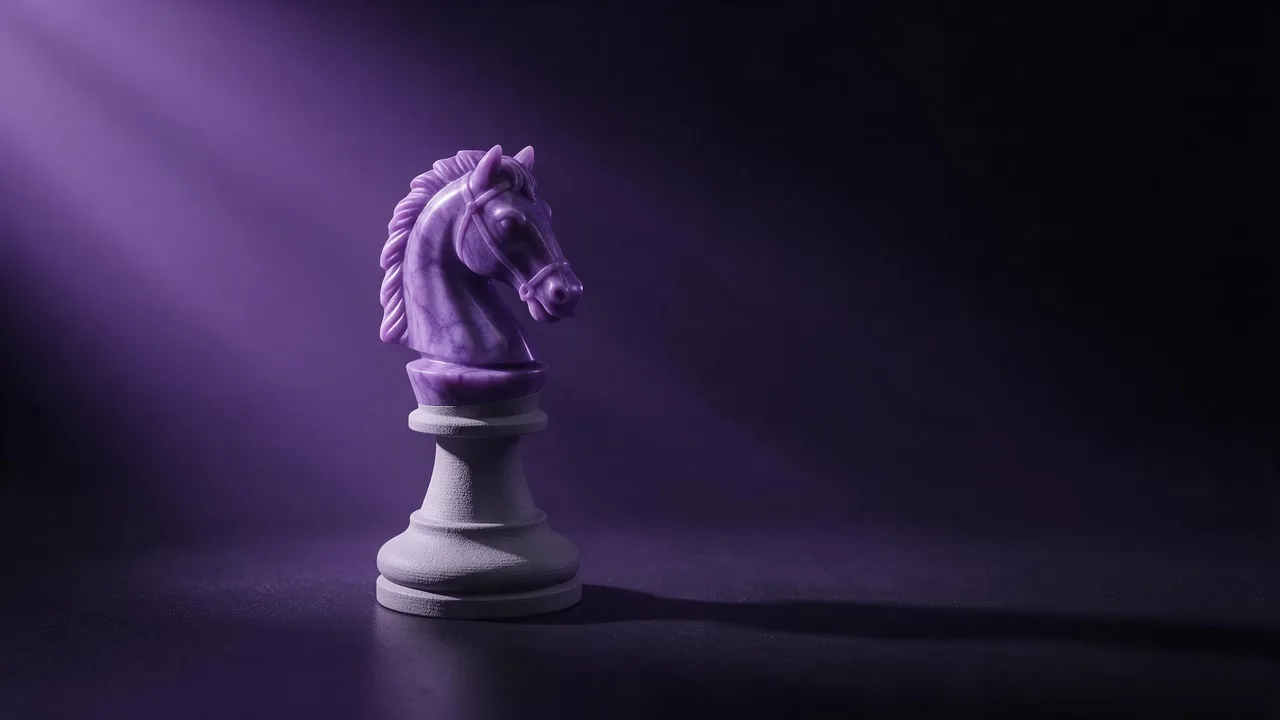
Most 3D models on the models page start from nothing: a prompt or a photo goes in, a mesh comes out. Meshy 6 Lite Retexture starts from the other end. You already have the shape, maybe a grey sculpt, a kitbashed prop, a scan or a model you bought, and what you want is a different skin on it. It keeps your geometry and paints new materials over it, from a text description or from a picture of the look you want.
That makes it less of a generator and more of a paint shop. Here is how to get good jobs out of it.
What goes in
- The model file. GLB, GLTF, OBJ, FBX and STL are accepted. This is the one required input.
- A prompt or a texture image. Describe the materials in words, or give a link to a reference picture. If you send both, the picture wins.
- Keep original UVs is on by default, so the new texture lands on the UV layout your model already has. Turn it off only when the model has no usable UVs, an STL straight from a scan for example.
- PBR maps are off by default. Turn them on and you get metallic, roughness and normal maps along with the base color, which is what a game engine or a renderer wants.
Who should pick it
Pick it when the shape is settled and the surface is not. A game prop that needs a rusty version and a clean version. A product mockup you want to show in walnut, brushed steel and matte ceramic. A character sculpt that came out of an image to 3D model with a muddy texture you want to replace. If you do not have a model yet, start with one of the image to 3D or text to 3D models on the models page and bring the result here afterwards.
Three prompts to start from
Weathered bronze with green patina collecting in the crevices, polished bright where hands would touch it, subtle hammered texture.Hand-painted stylized fantasy look: warm wood planks with visible brush strokes, dark iron bands, soft painted highlights on the edges, no photorealistic noise.Matte white ceramic body with a thin glossy black rim, faint speckles in the glaze, clean studio product look.Lifehacks
- Name the parts. The model does not know that the handle is a handle unless you say so. A prompt like "blade in dark steel, grip wrapped in red leather, brass guard" gives each region a job.
- Use a picture for a look you cannot describe. A photo of a worn leather sofa or a mossy stone wall says more than a paragraph. Remember that it overrides the prompt, so do not send both and expect a mix.
- Turn PBR on only for the final run. For deciding between looks, base color is enough. When you have the winner, run it again with PBR maps for the version that goes into your engine.
- Clean the mesh first. Holes, flipped faces and overlapping UVs show up as smears in the texture. Ten minutes of cleanup in your 3D tool is cheaper than three runs.
The honest limitation
Two things, one about the model and one about us. The model only paints: it will not fix a bad shape, add a missing ear or smooth a lumpy scan, so geometry problems stay. And on our side, the studio's upload slot for this model takes pictures, not 3D files, which means you cannot drop a GLB into it today. Run it through the API instead and pass a public https link to your model file in the model field; the API docs show the request, and the model id is one click away on its page.
If you are still deciding which shape to texture, the product photography guide is useful for planning variants, and reference images for a consistent style explains why one good reference beats three mixed ones, which applies here too.
Questions
Which 3D file formats does Meshy 6 Lite Retexture accept?
GLB, GLTF, OBJ, FBX and STL. Through the API you pass a public https link to the file in the model field.
Can I give both a prompt and a reference image?
You can, but the reference image takes priority. Send the one that describes the look best.
Does it change the shape of my model?
No. It keeps your geometry and replaces only the surface: base color, and with PBR switched on, metallic, roughness and normal maps.