Using a reference image to keep a consistent style
How a reference image guides an AI render, what it can and cannot hold steady, and how to build a consistent series of images.
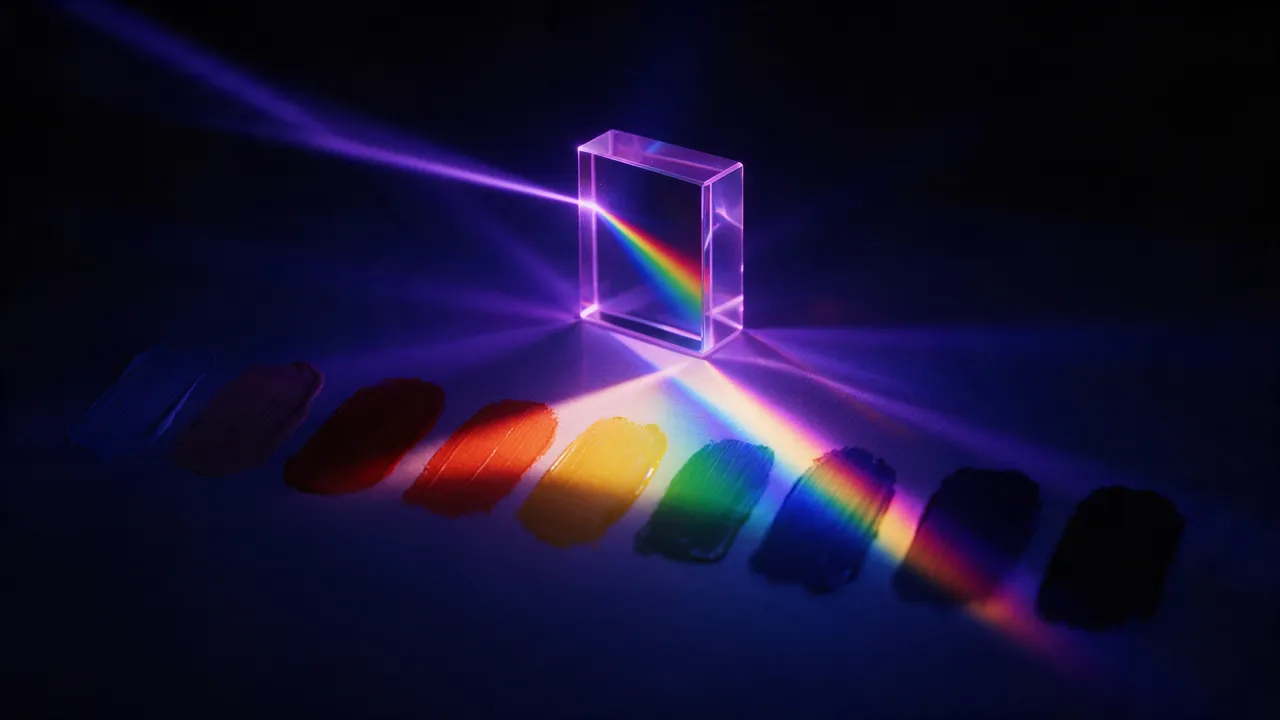
Text is a blunt tool for describing a look. "Muted teal and rust, soft grain, 1970s magazine" gets you in the neighbourhood; a single example picture gets you to the door. That is what a reference image is for.
What a reference does
When you attach an image with + Reference, the model reads it alongside your prompt. It can borrow the subject, the palette, the composition or the overall style - and your prompt tells it what to change. "The same bottle on a beach at sunset" keeps the bottle and moves the scene; "a mountain cabin in this style" keeps the look and swaps the subject.
Choosing a good reference
- Clear and uncluttered. One strong idea per reference. A busy image gives the model too many things to copy.
- Sharp and well lit. Blur and noise get copied too.
- Yours to use. Use your own photos, your own renders, or images you have the rights to.
Say what to keep and what to change
Be explicit. The model cannot guess whether you attached a picture for its colours or its subject.
Keep the colour palette and soft film grain of the reference. A quiet harbour at dawn with small fishing boats, low mist, wide shotThe same ceramic mug from the reference, on a café table by a rainy window, warm interior light, shallow depth of fieldBuilding a consistent series
- Render one image you are happy with - this becomes the anchor.
- Attach the anchor as the reference for every image in the series.
- Keep a fixed "style tail" at the end of every prompt, such as "soft film grain, muted teal and rust, overcast light".
- Use the same frame and model throughout.
Reuse prompt on any result makes step three painless: the whole prompt comes back into the composer and you only edit the scene at the front.
Limits worth knowing
A reference guides, it does not copy pixels. Fine details like small text, intricate patterns or an exact face will drift between renders. For work where precision matters, check each image and expect to retouch the details you cannot compromise on.