AI food photos for a menu or recipe set: six dishes, one look
How to make a matching set of AI food pictures for a menu, recipe cards or a blog: one table, one light, one camera, and an honest line on real dishes.
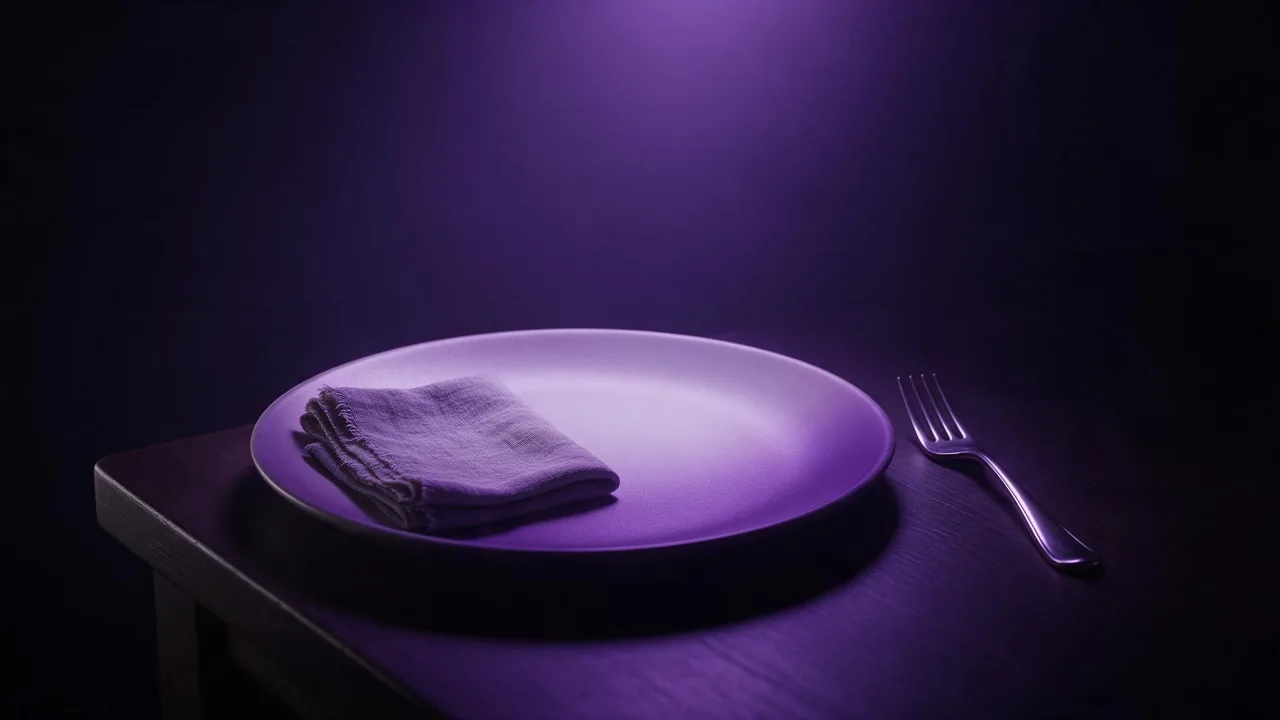
Picture a small bakery that wants a new online menu: six items, one picture each. The owner has tried phone photos on the counter, and every one looks different. Morning light on the croissant, a ceiling bulb on the soup, a cluttered shelf behind the tart. The food is good. The set looks like six strangers.
That last problem is the one AI images solve well. Not the food itself (more on that below), but the sameness: one table, one light, one camera height, repeated six times. This post walks through building that set, from the first draft to the sixth dish.
Write the set before you write a dish
Start with the part of the prompt that will never change. Settle four things and write them down as one sentence you will paste into every render:
- The surface. Pale oak, dark slate, a white marble counter, a linen cloth. One surface, every time.
- The light. "Soft daylight from a window on the left" is the classic for food, and it gives every dish the same shadow direction.
- The camera. Overhead works for flat things such as pizza, salads and bowls; a low three-quarter angle suits tall things such as burgers, cakes and drinks. Pick one for the whole set, or one per category if your menu splits that way.
- The props budget. One or two at most: a napkin, a fork, a scatter of flour. Props are where sets drift apart fastest.
Food photograph on a pale oak table, soft daylight from a window on the left, low three-quarter angle, shallow depth of field, a folded off-white linen napkin at the edge, plain warm grey background. The dish:Pick the frame before the first render too, since a set only looks like a set at one shape. Square suits most menu grids and feeds; the aspect ratio guide covers the rest. If the menu or card will carry a name and a price over the picture, compose for that now, as described in leaving space for text.
Draft the first dish cheaply
The first dish is where you tune the shared sentence, so render it several times on a quick, low-cost model. Fast Image in the catalog takes only a prompt and an aspect ratio and returns a small draft in seconds, which is all you need to judge light, angle and table. Change one word of the fixed half at a time until the plate sits right. Only then move the finished sentence to a higher-quality image model for the real renders; the price of each one shows on the Generate button before you press it.
Describe food the way a food stylist would
Models know the word "delicious" and do nothing useful with it. What they follow is texture, temperature and state:
- Texture: flaky, crisp edges, glossy glaze, coarse crumb, a light dusting of powdered sugar.
- Temperature: a thin curl of steam, condensation on the glass, butter just starting to melt.
- State: one slice cut and pulled away, a spoon resting in the bowl, crumbs on the board. A dish that has just been touched looks real; a dish nobody touched looks like a plastic display.
...The dish: a single almond croissant on a small white plate, flaky layers, toasted almond flakes and a light dusting of powdered sugar, a few crumbs on the table beside itHold the set together
Words alone keep a set close, not identical. Two habits close the gap. First, the Vary button on a finished render brings back the same prompt and model, so you only swap the dish line instead of retyping. Second, once one picture is clearly the look you want, use it as a reference: models that accept a reference image can take your best render alongside the new dish's prompt and match its table, light and palette. The reference guide explains how to say what to borrow from it, and the colour palette guide helps when the colours wander between dishes. For a bigger batch, the same rhythm scales up, as in the social content batch walkthrough.
Your real dish, in the made-up studio
Here is the honest part. A generated croissant is not your croissant. If a picture on a menu stands for a dish someone will order, it should look like what arrives on the plate, and a model has never seen your kitchen. The fix is to start from a photo of the real dish: open an image-to-image model, attach your phone photo with + Image, and ask it to change the setting, not the food. "Place this exact pastry on a pale oak table in soft window light from the left; keep the pastry's shape, colour and toppings unchanged." The result keeps your dish and gains the set's look.
What the studio cannot do for a food set
It cannot guarantee your dish. Generated food is an idea of a dish, and even an edit of your own photo can smooth a crumb or add a garnish you do not serve, so compare each picture with the real plate before it goes on a menu. Exact counts are unreliable: "three dumplings" may arrive as four, a known weakness explained in the counting guide. Lettering on a menu board or a label is often misspelled, so set dish names and prices in your own layout tool. And the studio returns image files, not a designed menu or a print-ready card. For who may use the pictures and how, see who owns AI-generated images.
Questions
How do I make AI food photos look like one set?
Write one fixed sentence for the surface, light, camera angle and props, paste it into every render, and change only the dish. Then use your best render as a reference for the rest.
Can I use AI food photos on a restaurant menu?
For mood and layout, yes. For a picture that stands for a real dish, start from a photo of that dish and use an edit model to change only the setting, then check it against the real plate.
Why does AI food look fake?
Usually because nothing has touched it. Add texture, temperature and state: crumbs, a cut slice, steam, a spoon in the bowl. Words like delicious or appetising do very little.