AI product photography: studio shots without a studio
How to prompt clean product images - backgrounds, surfaces, reflections and light - and where a reference photo of the real product helps.
A product shot has one job: make the object look desirable and exactly like itself. That makes it a good fit for image generation in one way - the scenes are simple - and a demanding one in another, because shoppers notice when a logo, a clasp or a label is wrong.
Here is how to get the first part right with prompts alone, and what to do about the second.
Three classic setups
Seamless background
The catalogue look: the product on an even colour that curves from floor to wall with no horizon line. Name the colour and ask for soft, even light.
A pair of white leather sneakers on a seamless pale grey background, soft even studio lighting, gentle shadow under the soles, clean e-commerce product photographySurface and props
Lifestyle without people: the product on a material that tells a story - marble for cosmetics, raw wood for coffee, slate for kitchenware - with one or two props at most.
A small amber glass serum bottle on travertine stone, a sprig of dried eucalyptus beside it, morning window light from the left, soft shadows, beauty product photographyDark and dramatic
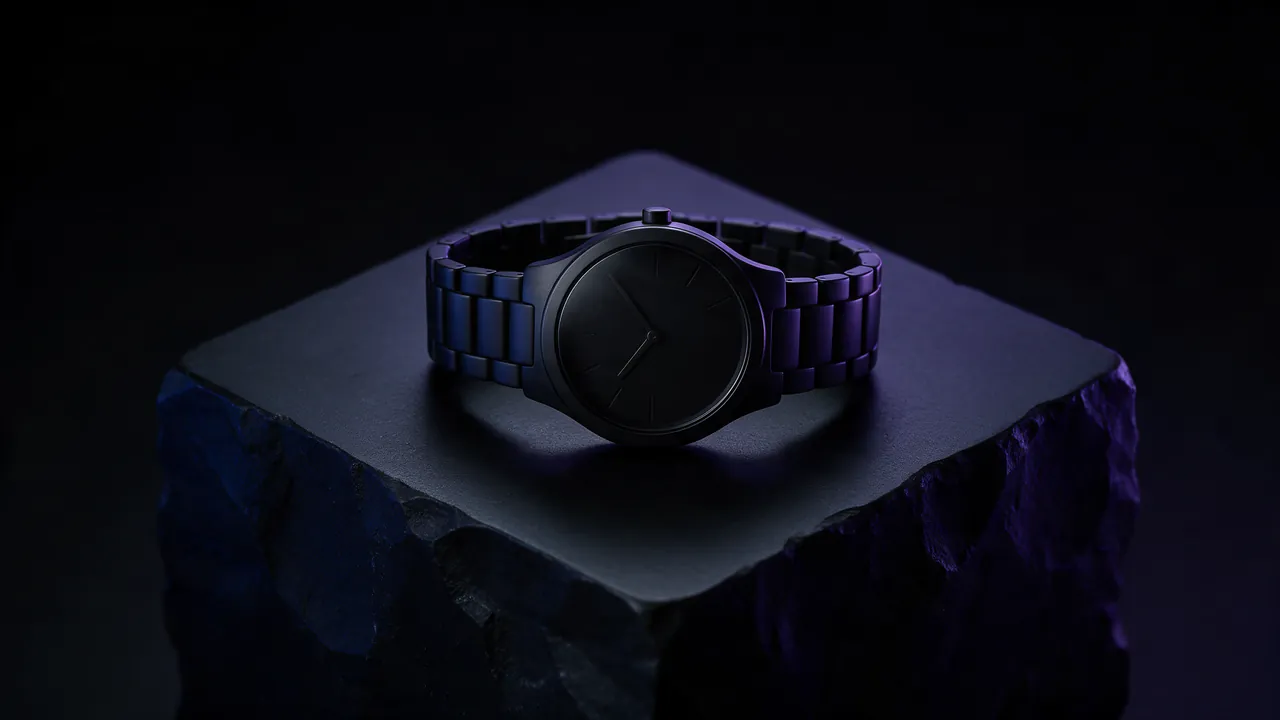
For watches, fragrance, electronics and anything premium: a black background, a rim light tracing the edges, and a glossy surface for a reflection.
A matte black wireless speaker on a glossy black surface, thin rim light outlining its edges, faint reflection below, dark background, premium product shotDetails that make it look real
- Contact shadows. "A soft shadow where it touches the table" grounds the object; without it products look pasted in.
- Material words. Brushed aluminium, frosted glass, pebbled leather, satin finish. The model renders materials far better when you name them.
- One light story. Pick soft or hard, one main direction. The lighting glossary has the vocabulary.
- Camera height. "Eye level", "three-quarter view from slightly above", "top-down flat lay".
When it has to be your actual product
A prompt can describe a generic bottle, but it cannot know your label. For that, attach a photo of the real product with + Reference. The model uses it as a guide for shape, colour and design, and your prompt sets the scene around it.
Fine print and small logos are still the weak point of any image model. Check every render closely before it goes on a product page, and for packaging with lots of text, plan to place the text or logo yourself in an editor.
Frames for shops and ads
Marketplaces usually want square images; social ads favour 4:5 and 9:16; website banners want 16:9. Render each in its own frame rather than cropping one image into all of them - see which aspect ratio to pick.