Text-to-video prompts: camera moves, pacing and motion
How to write prompts for AI video: describe one shot, name the camera move, give the scene something to do, and keep clips short.
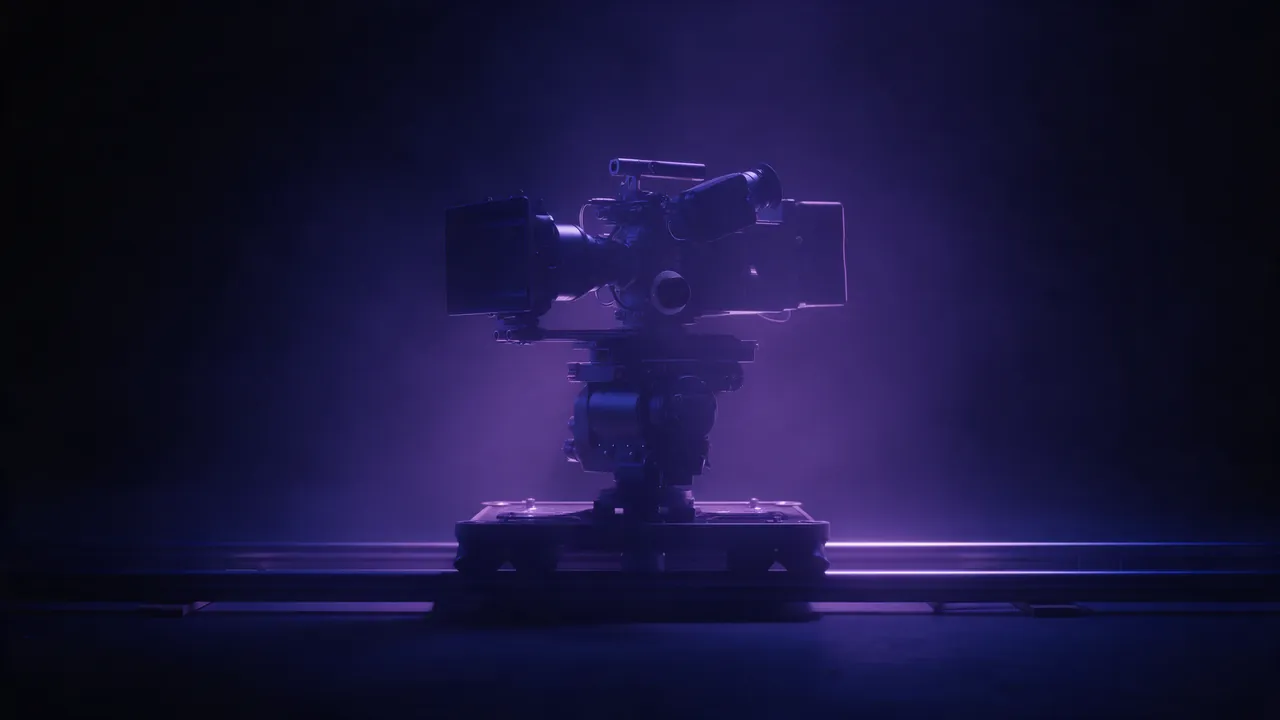
An image prompt describes a moment. A video prompt describes a shot: a moment plus what changes over a few seconds. The most common mistake is writing a video prompt like a story - three scenes, a character arc and a twist - and getting back a clip that tries to do all of it and does none of it well.
Think in single shots
A generated clip is one continuous shot. Write one location, one main subject and one action. If you need a sequence, render several clips and cut them together.
The shape of a video prompt
- Shot and camera move - "slow aerial pull-back", "handheld tracking shot", "static wide shot".
- Scene - where we are and what it looks like, as in an image prompt.
- Motion - what moves and how: "waves rolling in", "leaves spiralling down", "steam curling up from the cup".
- Pace and mood - "slow and calm", "energetic", "dreamlike slow motion".
Slow dolly forward through a misty pine forest at dawn, shafts of sunlight between the trunks, fog drifting low over the ground, calm and quietCamera moves the models understand
- Static - the camera holds still; all motion comes from the scene. Safest for a clean result.
- Pan - the camera turns left or right on the spot.
- Tilt - the camera turns up or down, revealing height.
- Dolly / push-in / pull-back - the camera moves toward or away from the subject.
- Tracking - the camera travels alongside a moving subject.
- Orbit - the camera circles the subject.
- Aerial / drone - a high, moving view over a landscape.
Choose one. Combining "orbit while pushing in and tilting up" in a few seconds usually produces a clip that wobbles.
Give the scene something to do
Clips come alive when something in them moves naturally: water, weather, fire, smoke, fabric, traffic, animals, light. A still object in a still room with a static camera will look like a photograph with a slight shimmer.
Static shot of a neon-lit ramen stall on a rainy night street, rain falling through the light, steam rising from the pots, reflections rippling in puddlesLength and resolution
Models here make clips up to 30 seconds. Longer is not automatically better: a model has to keep the scene consistent for every extra second, and a tight 5-second shot often looks more convincing. Draft ideas short and at a low resolution, then render the keeper at full quality - the composer shows the price for each combination before you commit.
Start from a still for more control
If the look matters more than surprise, generate the first frame as an image, get it right, then animate it. The model keeps your composition and only has to invent the motion. The image-to-video guide walks through it, and the model comparison helps you pick where to render.
Questions
How long can an AI video clip be?
Up to 30 seconds on Genlaxy, depending on the model. Short single shots tend to look best.
Can I make a video from my own photo?
Yes. Attach it as the start frame in video mode, or use Animate on any image you generated.