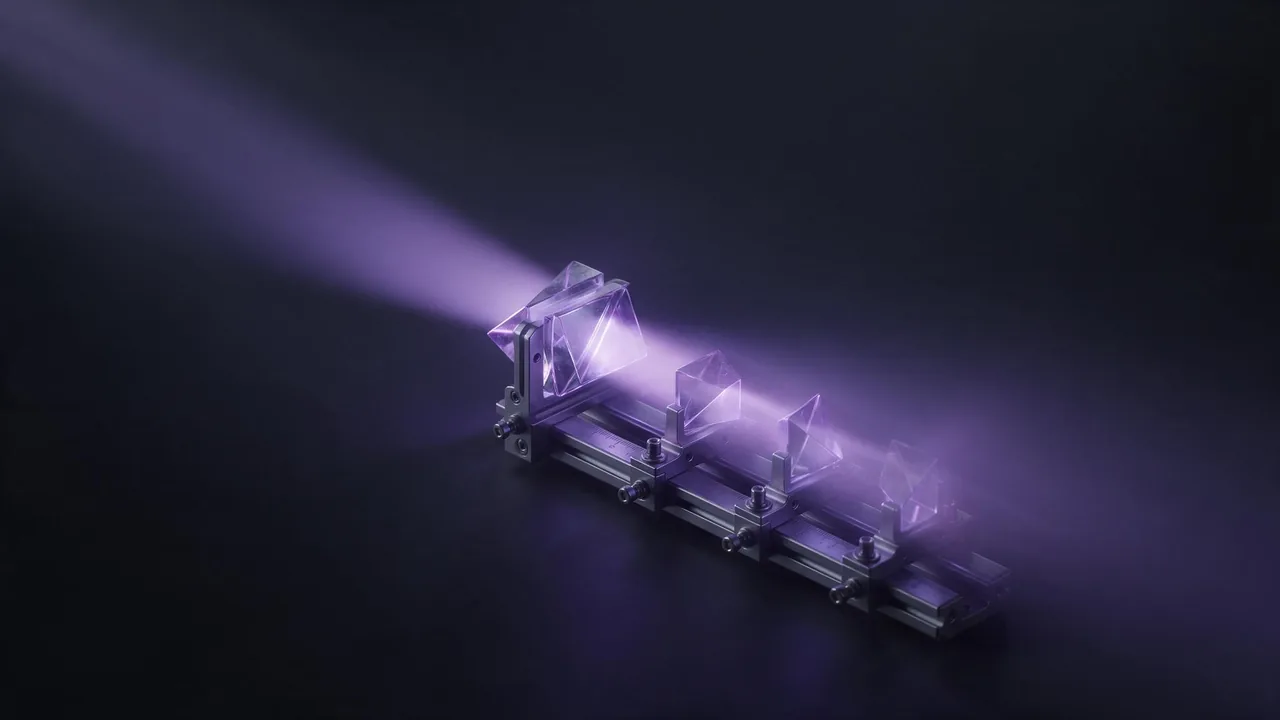
Macro and close-up words for AI image prompts
Which close-up words actually change an AI image: macro, extreme close-up, shallow depth of field, texture cues, and what to do when the tiny detail goes soft.

Typing "macro" into a prompt feels like it should switch on a macro lens. It does not. There is no lens, no focus distance and no sensor here, only a model that has seen millions of captioned photos. The word works because macro shots look a certain way, and the model has learned that look. Once you see it as a bundle of visual cues instead of a switch, you can pick the cues one by one and stop guessing.
What "macro" really pulls in
Photos tagged macro share four traits: the subject fills the frame, a thin slice is sharp while everything else melts, there is visible fine texture, and the background is a soft blur of colour. Say "macro photograph of a ladybird on a leaf" and you get most of that at once. Say "ladybird on a leaf" and you get a wider, flatter picture. That gap is the whole value of the word.
Words for how close
- Close-up - the subject fills most of the frame, but you can still see its edges and some surroundings.
- Extreme close-up - a crop into one part: an eye, a fingertip, the rim of a cup. The whole object is no longer visible.
- Macro - the small-world look: insects, droplets, grains, stitches, the face of a watch.
- Detail shot - a calmer, editorial version. Good for products and textiles where you do not want drama.
- Top-down or overhead - close, but looking straight down. Works well for food and flat-lay objects.
Words for what is sharp and what is not
- Shallow depth of field - a thin sharp plane, strong background blur.
- Soft bokeh - the blurred highlights behind the subject turn into round, creamy shapes.
- Focus on the front edge - tells the model where the sharp plane sits. Useful on a row of objects.
- Deep focus or everything in focus - the opposite. Handy when you want a whole texture sharp, such as a woven fabric.
- Tilt-shift - a miniature look: a real street rendered like a toy model. A different effect, easy to confuse with macro.
Words for texture
Close crops live or die on surface. Name the material and the way light catches it: "fine pores in the leather", "water beads on a waxy petal", "individual fibres of wool", "brushed steel grain", "frost crystals". Concrete nouns beat adjectives. "Highly detailed" says almost nothing; "visible fibres" says exactly what to draw. The same logic is behind lighting words: name the thing you want to see.
Extreme macro photograph of a single water droplet on a rose petal, shallow depth of field, soft bokeh background, side light, fine veins in the petal, crisp reflections inside the dropletClose-up detail shot of a mechanical watch movement, tiny brass gears and a red jewel bearing, focus on the nearest gear, rim light, dark background, studio macro photographyWhat goes wrong at this distance
Close crops are unforgiving, so expect these. Hands and eyes show every flaw when they fill the frame; an extreme close-up of an eye is a gamble on the first try. Tiny text, serial numbers or engraved marks come out as lookalike squiggles, so leave them out and add them later in an editor. Real insects get the wrong number of legs now and then. And scale is a suggestion: "a tiny house the size of a button" may come back as a normal house next to a button. If a part keeps failing, move the camera back one step (macro to close-up), or ask for it blurred on purpose.
Short prompt or long prompt?
Close-up prompts need less scenery, so they can stay short: subject, distance word, one focus instruction, one light direction, one texture cue. Put the subject first; word order explains why. If a stray object keeps appearing in the background, say what you want there instead, such as "plain dark blur", or see negative prompts for models that take them.
Close-up in video
For a clip, a close-up is a safe choice because there is less in the frame to go wrong. Describe a slow move rather than a fast one: "slow push in on the droplet", "the focus gently shifts from the petal to the stem". Fast camera motion plus fine detail is where flicker shows up. The motion prompt guide has more phrasing, and a clip runs up to 30 seconds, so one slow move is plenty.
To try the distance words side by side, open the app, keep one subject, and change only the distance and focus words between runs. Pick a model for detailed stills on the models page and compare. Two or three runs teach more than any glossary.
Questions
Does the word macro give a real macro lens look?
No. It brings in the visual traits of macro photos: a filled frame, thin focus, soft background and visible texture. There is no lens simulation behind it, so you control the result with the cue words around it.
How do I keep the whole object sharp in a close-up?
Ask for deep focus or everything in focus, and avoid shallow depth of field and bokeh. Flat surfaces such as fabric or paper work best this way.
Why is the tiny text on my close-up unreadable?
Models draw letters as shapes, and at small size they drift. Leave the text out of the prompt and add it afterwards in an image editor.