An AI portrait series for a fictional cast, shot in one session
Five invented characters that look photographed on the same day: one fixed lighting and lens block, one changing line per person, and checks for the set.
A cast page for a novel, the crew of a tabletop campaign, the characters of a game pitch: five faces that have to sit side by side. Each one can come out lovely on its own and the set can still look wrong, because one was lit by a window, one by a ring light and one seems to come from a film still. Readers notice that before they notice any face. The fix is old photography practice: decide the session once, then change only the person in front of the camera.
Write the session sheet first
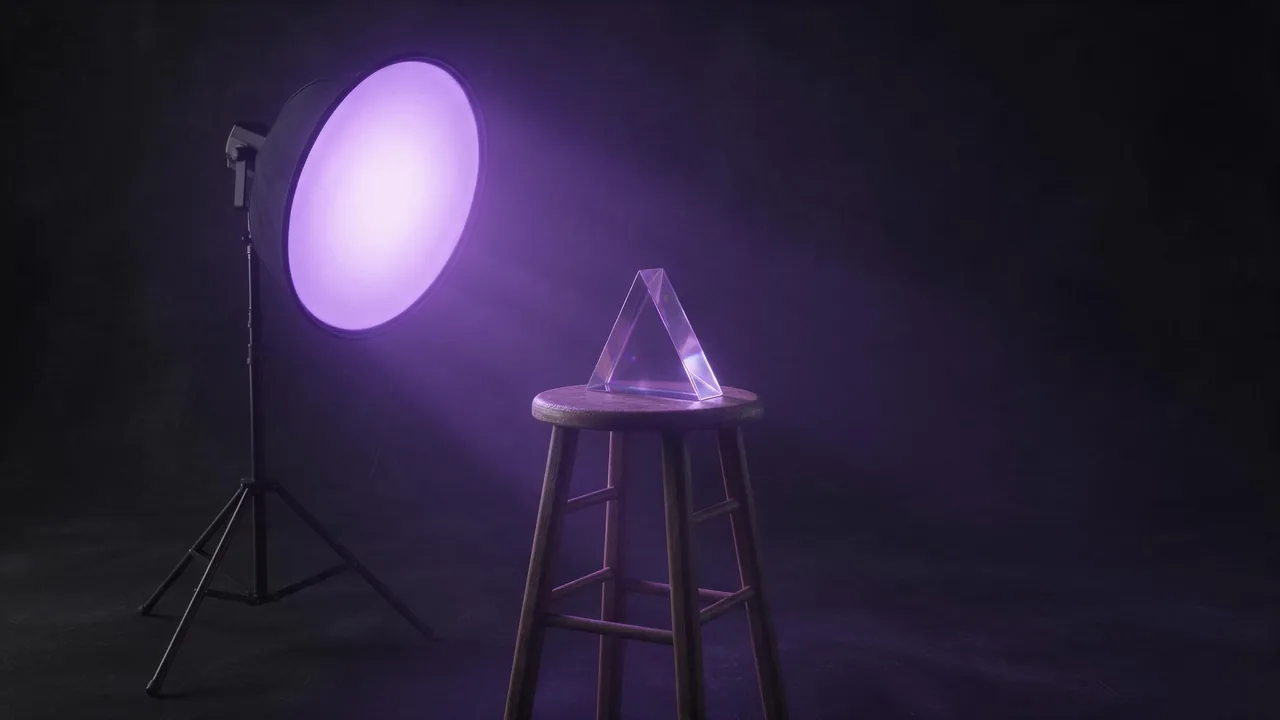
Before any character, write the part of the prompt that will never change. Think of it as what a photographer sets up before the first sitter arrives. It needs five things:
- Light: one named setup. "A large softbox high and to the left, a dim fill from the right" is a setup; "soft lighting" is a wish.
- Lens and distance: "85mm portrait lens, head and shoulders" for all five. Switch lens between characters and their faces change shape.
- Backdrop: a single colour or texture, such as "mottled charcoal canvas backdrop".
- Finish: the film or grade, "muted colours, fine grain", said the same way every time.
- Frame: one aspect ratio, chosen in the composer before the first render. The aspect ratio guide helps you pick it for where the set will live.
studio portrait, head and shoulders, 85mm portrait lens, large softbox high and to the left, dim fill from the right, mottled charcoal canvas backdrop, muted colours, fine film grain, the subject looking slightly off cameraThen write one line per character
The character goes at the front of the prompt, because the start is what models weigh most (the prompt guide covers why). Keep each line to the same length and the same kind of detail: age range, build, hair, one item of clothing, one expression. If one character gets three lines of costume and another gets five words, the rich one will look like the lead and the rest like extras.
A weathered ship's navigator in her fifties, short grey hair, a faded blue wool coat with a high collar, a calm and tired expression. studio portrait, head and shoulders, 85mm portrait lens, large softbox high and to the left, dim fill from the right, mottled charcoal canvas backdrop, muted colours, fine film grain, the subject looking slightly off cameraA young mechanic in his twenties, curly black hair tied back, a grease-marked canvas apron over a striped shirt, a quick half smile. studio portrait, head and shoulders, 85mm portrait lens, large softbox high and to the left, dim fill from the right, mottled charcoal canvas backdrop, muted colours, fine film grain, the subject looking slightly off cameraKeep the session from drifting
- One model for the whole set. Two models read the same words differently, and the difference shows most in skin and light.
- Use the first good portrait as an anchor. On a model that takes an image, attach it with + Image and add "match the lighting, backdrop and colour grade of the reference, a different person". The reference images guide explains what a reference carries and what it does not.
- Reuse, do not retype. Reuse prompt on a finished render in your library brings its prompt back; edit only the first sentence. A retyped session block always loses a word.
- Leave the seed alone for a cast. A fixed seed holds the composition of one prompt still, which is good for small edits to one character, but it does not make different people look photographed together. The seed explainer has the details.
Skin that matches across the set
The quickest giveaway in a cast is one face that is smoother than the others. Put the same skin words in the session block for everyone, for example "natural skin texture, visible pores, no retouching", rather than adding them only to the face that came out waxy. The plastic skin fix lists more of those words.
What this will not give you
The same face twice. This method keeps a session consistent; it does not lock a character's face so that the navigator looks identical in a second scene a week later. Faces drift from render to render, and a reference guides a look rather than copying a person. If your project needs the same character in many scenes, plan to pick the closest renders and accept small changes. The cast must also stay fictional: never build a character from a real person's photo or name without their permission, and keep every character clearly of legal age. Exact details like a scar on the left cheek or a badge with lettering will wander too, so check them in the final row.
Pick a portrait model on the models page, set the frame in the studio, and render the session block with your first character. The price shows on the Generate button before each render.
Questions
How do I make AI portraits look like the same photo shoot?
Fix the light, lens, backdrop, finish and aspect ratio in one block you copy into every prompt, use one model, and change only the line that describes the person.
Does a fixed seed keep characters consistent?
No. A seed holds one prompt's composition still for small edits. It does not make different characters share a look; the shared session block does that.
Can I get the same character's face in many scenes?
Not reliably. A reference image keeps the style close, but faces drift between renders, so pick the closest results and expect small differences.