Why AI portraits look plastic, and how to fix the skin
Waxy, airbrushed skin is the usual giveaway of an AI portrait. The words that cause it, the words that fix it, and how to repair a picture you already have.
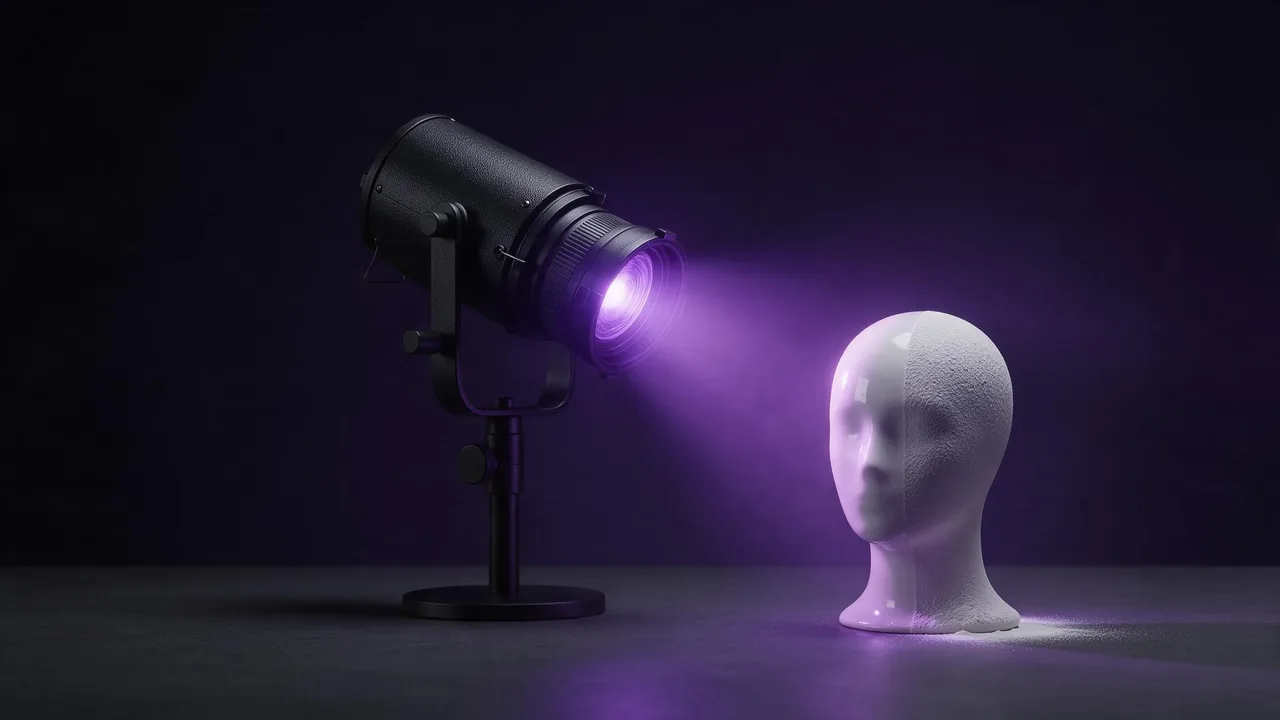
You ask for a portrait, the eyes are right, the light is right, and the face still looks like a shop window mannequin. The skin has no pores, no colour shifts, no small marks, and it shines like a candle. People spot it in a second even when they cannot say what is wrong. The good news is that this is mostly a prompt problem, and the fix is a short list of words to remove and a short list to add.
Where the wax comes from
A model draws the most likely version of what you ask for. Most portraits it has seen were retouched, so the average face it falls back on is a retouched face. Several common prompt words push it further in that direction, and they push harder than any texture word you add afterwards:
- flawless, perfect, smooth, beautiful skin: each one is a request for retouching.
- beauty shot, glamour, magazine cover: genres whose whole point is polished skin.
- soft focus, dreamy, glow: they blur the fine detail that makes skin read as skin.
- flat front light, ring light: light from the camera's side fills every pore with brightness, so there is nothing left to see.
Read your whole prompt, not just the part about the face. A single "flawless" in the middle of a long description can cancel three texture words at the end. The quality buzzwords post makes the same point about "8K" and "masterpiece": words that sound like quality often steer the picture somewhere you did not mean.
Ask for a photograph, not a beauty shot
The most reliable change is to describe a real, unretouched photograph and to name the details that retouching removes. Three layers do most of the work.
- The kind of photo. "Unretouched editorial portrait", "documentary photo", "candid street portrait". These genres keep their skin.
- The surface. Visible pores, fine lines around the eyes, a few freckles, slight redness on the nose and cheeks, uneven skin tone, a little natural shine on the forehead. Pick two or three that fit the person; a list of ten turns into a skin condition.
- The light and the lens. Side light from a window, overcast daylight or a low sun raking across the face shows texture; a portrait lens such as an 85mm keeps the face in proportion. The lighting words post has more of these.
Unretouched editorial portrait of a woman in her forties at a kitchen window, soft overcast daylight from the left, visible pores and fine lines around the eyes, a few freckles across the nose, natural shine on the forehead, 85mm lens, shallow depth of field, slight film grain.Candid documentary photo of an old fisherman mending a net on a harbour wall, low evening sun raking across his face, deep wrinkles, sun-weathered skin with uneven tone, stubble, 50mm lens, natural colours.Two things that do not help
Stacking the word realistic. "Hyper-realistic, ultra-realistic, photorealistic" in a row describes nothing the model can draw. It is the texture and the light that make a face real, not the label.
Overdoing the imperfections. Ask for pores, wrinkles, freckles, scars, blemishes and redness all at once and the model stops drawing a person with skin and starts drawing a skin problem. Two or three details, chosen for this person, beat a checklist.
Fixing a picture you already like
If the composition, the pose and the expression are right and only the skin is wrong, do not re-roll the whole prompt and lose them. Open the picture in an edit model in the studio and give it one instruction with a keep clause:
Change only the skin: add natural pores, fine lines and slight uneven tone, remove the waxy shine. Keep the face, the expression, the hair, the clothes, the framing and the light exactly as they are.Two settings in the catalog help with this kind of edit. At least one edit model has an input fidelity setting, which its own description says preserves details such as faces from the input; keep it on high when the face must stay the same. Another has an edit precision setting whose high value restores the pixels you did not ask to change. Both live under the advanced settings in the studio.
An upscaler can also add texture, but only the creative kind, the one with a creativity setting. It invents new pores and hairs on top of your picture, which is fine for a fictional face and wrong for a real one: invented detail on a real person's face quietly makes someone else. The upscaler guide explains how to tell the two kinds apart.
What words cannot fix
A face that takes up a small part of a wide shot has too few pixels for pores, and no prompt changes that; make the face bigger in the frame or accept a smoother look at that distance. An image-to-video model may not carry fine skin texture from your still into every frame, so look at the clip at full size before you use it. And texture is not identity: these words make skin look photographed, they do not make a fictional person look like anyone in particular, and they should never be used to make a convincing fake of a real person. Our terms forbid sexual or intimate pictures and deepfakes of a real, identifiable person; texture words do not change that.
Every model on the models page has its own default look, and some lean smoother than others. If one keeps returning wax whatever you write, try the same prompt on another and compare; the price of each render shows on the Generate button before you press it.
Questions
Why does my AI portrait look plastic?
The model falls back on retouched faces, and words like flawless, perfect, smooth or beauty shot push it further that way. Describe an unretouched photograph instead and name two or three skin details.
Can I fix the skin without changing the face?
Yes. Use an edit model with one instruction that changes only the skin and a keep clause for the face, expression, hair and framing. Keep any input fidelity or edit precision setting on high.
Will an upscaler add skin texture?
Only a creative upscaler, and it invents the texture. That is fine for a fictional face, but use a faithful upscaler on a photo of a real person.