Add realistic falling snow to your own photo with AI
Turn a grey day into a snowfall with an AI edit prompt: flake size in three depths, light that matches, snow on ledges, and faces left exactly as they were.
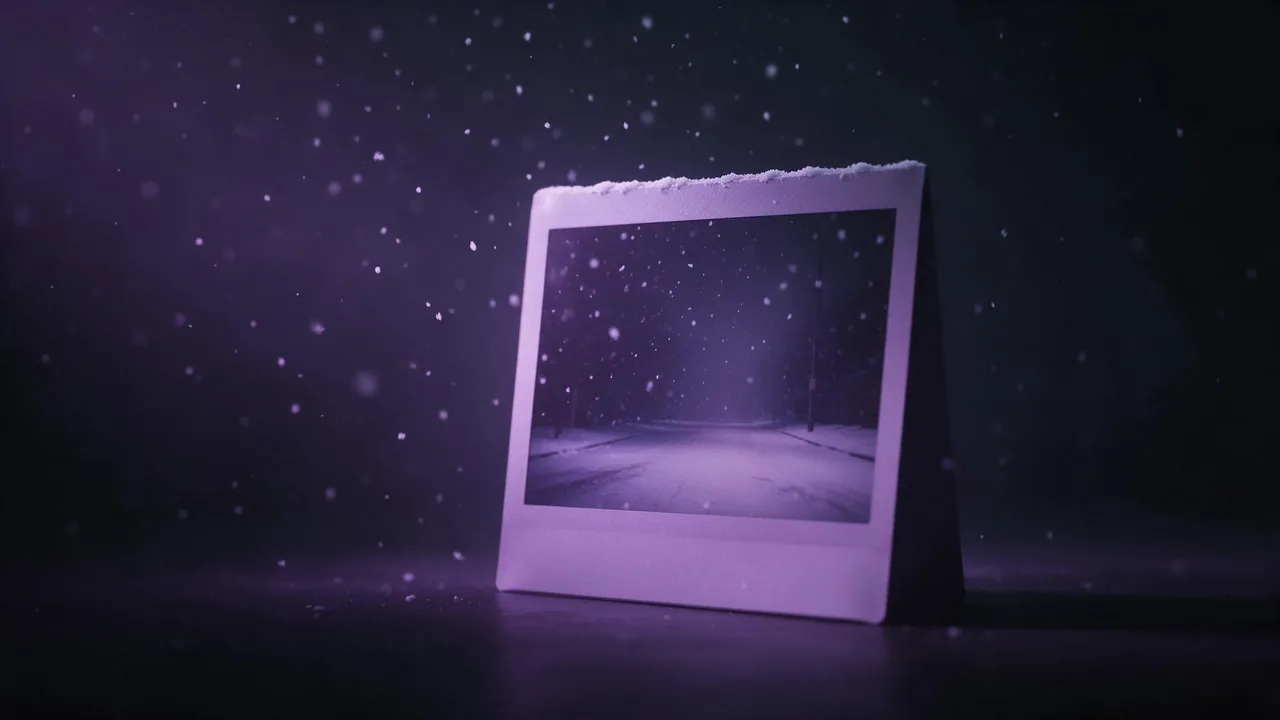
Snow is the edit people ask for most in late autumn and the one that most often looks fake. The usual failure is a layer of identical white dots pasted over the picture, all the same size, all equally sharp, glowing brighter than the sky behind them. Real snowfall is messy in a very particular way, and an edit model can draw it well once you describe that mess in words. This post is a checklist: what to ask for, what to forbid, and how to tell a good result from a plastic one before you share it.
Two neighbouring posts do something else. AI snow globe scenes build a whole new picture from a prompt, and the Christmas market portrait swaps your background for a new one. Here the photo stays your photo. Only the weather changes.
Pick a photo that can take snow
Overcast, dusk or night photos take snow best, because falling snow comes with a soft grey sky. A hard summer noon with black shadows and green leaves fights the edit: the model either leaves the sun in and the snow looks wrong, or repaints the whole light and the picture stops being yours. Bare trees, a street, a window, a coat: these already look like winter. If your photo has deep blue sky, plan for the model to change it, and say so in the prompt rather than hoping it will not.
Describe flakes in three depths
The single most useful idea: snow sits at different distances from the camera, and the lens treats each distance differently. Ask for three layers.
- Near the lens: a few large, soft, out-of-focus flakes, some cut off by the frame edge. Only a handful, or they cover the subject.
- Around the subject: medium flakes, mostly sharp, a little motion blur as they fall.
- Far behind: many tiny flakes that blend into a light haze, so distant buildings or trees lose some contrast.
That last layer matters more than people expect. Snowy air is not clear, and a background that keeps its full sharpness while flakes fall in front of it is the first thing that gives an edit away.
Add gentle falling snow to this photo. A few large soft out-of-focus flakes close to the camera, medium flakes around the person falling with slight motion blur, and fine distant snow that softens the buildings at the back into a pale haze. Keep the person's face, hair, expression, clothes and pose exactly as they are, and keep the framing and camera angle unchanged.Match the light, do not add it
Snowflakes have no light of their own. They are white only where light hits them. In daylight they read as pale grey against a white sky and bright against a dark coat; at night they glow only near a street lamp or a window, and the flakes between lamps are almost invisible. Tell the model where the light comes from in your photo, so the snow is lit by it and not by a mystery source.
Night street photo: add falling snow lit by the existing street lamps, flakes bright inside the lamp light and faint in the dark between lamps. Do not brighten the scene, do not add new lights, keep the colours of the shop windows as they are.For warm and cool light in the same picture, the words in cinematic lighting prompts carry over: a warm window and a cool sky both touch the flakes, each on its own side.
Snow on surfaces: say where it settles
Falling snow over a dry street looks like a filter. A little settled snow tells the eye the weather is real. Snow gathers on top of things and on the side the wind comes from: window ledges, the tops of railings, branches, car roofs, a hat, the shoulders of a coat. It does not stick to vertical walls or faces. Name two or three places and say how much: "a thin dusting" or "a line of snow along the top of the railing", not "covered in snow", which invites the model to redraw the whole ground.
Keep faces and the rest unchanged
Weather edits are global by nature, so the model feels free to touch everything. Lock what matters by name: each person's face, eye colour, expression and hair, the clothes, the pose, the framing. Add "no snowflakes on the face": a flake over an eye or a lip reads as a blemish. If a face still shifts, try another edit model with the same words before you rewrite them; how they differ is in how to write AI image edit prompts.
Why snow looks plastic, and the fix
- Every flake the same size. Ask for mixed sizes in three depths, as above.
- Flakes as round white dots. Add "irregular soft flakes, some clumped, slightly translucent".
- Snow brighter than the sky. Say the flakes are lit by the scene's own light, pale grey in daylight.
- Sharp background behind heavy snow. Ask for the distance to soften into haze.
- Too much of it. Light snowfall reads as real more often than a blizzard. Start gentle.
In the studio, and what it cannot do
On the models page, pick an image-to-image model, attach the photo with + Image in the studio, paste the prompt and read the price on the Generate button. Run two or three variations and keep the one that changed least outside the snow. For moving flakes, a short clip from the finished still is possible with a video model, but motion invents detail, so keep the camera still.
Limits to know: there is no brush, so you place settled snow with words, not by painting it. Most edit models redraw the whole picture while holding it steady, so fine detail like text on a sign can shift slightly; compare with the original side by side. And there is no snow slider: amount comes from your words, so change one word, "gentle" to "steady", and run again.
Questions
How do I add snow to a photo with AI without changing my face?
Use an image edit model, describe the snow first, then end with a keep line naming the face, hair, expression, clothes and pose, plus 'no snowflakes on the face'. If the face still shifts, try another edit model with the same prompt.
Why does AI snow look fake?
Usually every flake is the same size, sharp and brighter than the sky. Ask for large blurred flakes near the camera, medium ones around the subject and fine haze behind, lit only by the light already in the photo.
Can AI add snow to a sunny summer photo?
It can, but the model will have to repaint the light and the leaves, so the result drifts further from your photo. Overcast, dusk and night shots give the most believable snow with the least change.