A Christmas Market Portrait From Your Own Photo
Put yourself among market stalls, string lights and mulled-wine steam with an AI edit model, and keep your face. Prompts, light and the usual failures.
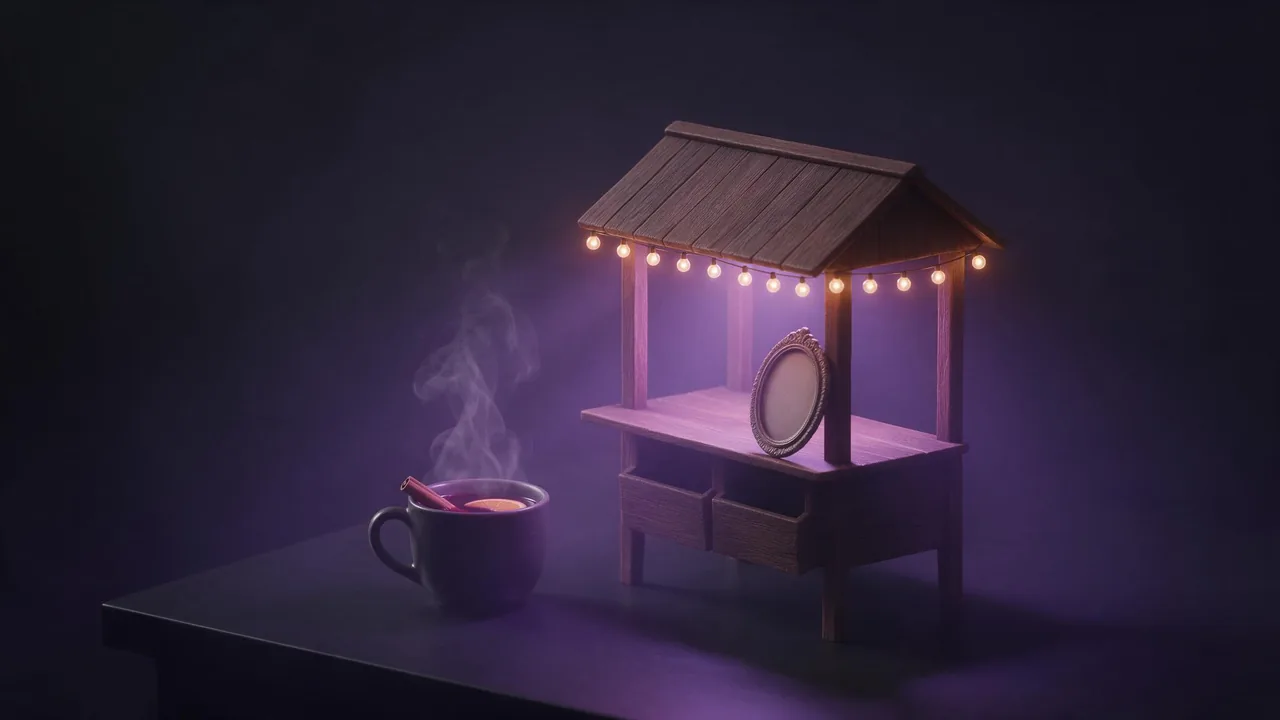
A Christmas market is the most crowded backdrop you can ask an edit model for. Wooden stalls, a hundred small bulbs, steam from a mug, a crowd in coats, maybe snow. Every one of those things competes with your face for the model's attention, and the face is the one thing you cannot afford to lose. This post builds the scene in layers, from the back of the market to the cup in your hand, so you know which words to add and which to leave out.
If you have never kept a face through an edit, read the holiday portrait guide first: it covers the source photo and the face lock in detail. Here we assume a good photo and spend the words on the market.
The four layers of a market scene
Think of the picture as four layers and give each one sentence, in this order after the lock:
- The place: rows of wooden stalls with pitched roofs, a square with old houses, a big tree at the end. One or two nouns, not a list of ten stall goods.
- The light: warm string lights over the stalls, out of focus behind you. This is the layer that makes or breaks the face, more below.
- The weather: dusk, cold air, a little snow or a wet cobbled square. Pick one.
- You: a winter coat and scarf, a mug held near the chest, steam rising past the shoulder, looking at the camera.
Each extra layer is a new chance for the model to redraw more than you asked. If the first result changes your face, cut a layer before you rewrite the lock.
A prompt that holds the face
Keep the person's face, skin tone, hair colour and hairstyle, eye colour and expression exactly as in the photo. Place them at a Christmas market at dusk: wooden stalls with pitched roofs behind them, warm string lights strung overhead and softly out of focus. They wear a dark wool coat and a knitted scarf and hold a mug of mulled wine near their chest, with a thin curl of steam rising beside their face. Cool blue evening light on the face from the open sky, warm glow from the stalls on the hair and shoulders.Attach the photo in the studio with + Image, choose an image-to-image model from the models page, and read the price on the Generate button before you run. A market scene usually takes two or three tries, so plan for that.
String lights: blur them, do not count them
Sharp bulbs right behind a head pull the eye away from the face and often come out as a messy grid. Ask for them out of focus, behind you, and the model draws round soft discs of light instead: the shallow depth of field you would get from a portrait lens at a real market. Words that work: 'softly out of focus', 'blurred warm lights in the background', 'shallow depth of field'.
Keep the warm light off the skin. A face lit only by orange bulbs comes back too orange, and the model may 'fix' it by repainting the skin. Give the face its own cool, soft light from the sky or a lantern in front, and let the warm glow touch only the hair and the edges of the coat. The candlelight and firelight words post covers warm light without the orange cast in more detail.
Three variations to try
Keep the face, skin tone, hair and expression unchanged. The person stands in a snowy market square at night, a tall decorated tree far behind them, light snow falling, blurred golden lights of stalls on both sides. Soft front light on the face from a lantern just out of frame.Keep the face, skin tone, hair and glasses exactly as they are. Close portrait at a market stall counter covered in gingerbread and candles, the stall's warm bulbs above and behind the person, wet cobblestones reflecting the lights. Head and shoulders only.Keep the faces, skin tones and hair of both people unchanged. The two people from the photo walk side by side between stalls at dusk, each holding a mug, laughing, string lights blurred overhead.When it goes wrong
The face looks smoother or younger
Festive scenes invite a beauty filter. Add 'natural skin texture, visible pores' to the lock, and see the plastic skin fix for more.
Strangers in the crowd look like you
A busy market fills with faces, and the model sometimes copies yours onto them. Ask for 'a few blurred passers-by far in the background' or no crowd at all.
Hands and mugs merge
Hands around a cup are a weak spot. Ask for 'one hand holding the mug by its handle', or crop at the chest so the mug is just in frame.
The stall signs are gibberish
Models draw letters badly. Ask for 'stalls without signs or text'. If you want a greeting, leave a calm area of blurred lights and add it later, as the space for text post explains.
Always restart from your original photo, not from the last result: each redraw moves the face a little further. The refine or re-roll post helps decide which to do.
What to expect, honestly
No model here guarantees an identical face, and a crowded scene is harder than a plain one. There is no brush to protect your face while the market is drawn around it; the words are the only guard. Real steam, snow and bokeh behave in ways a model only imitates, so look at the result at full size before you post it or print it. And use only your own photo, or a photo of someone who agreed: the terms forbid deepfakes and any sexual or intimate image of a real, identifiable person.
Once you have a still you like, the portrait to clip guide shows how to make the steam rise and the lights shimmer for a few seconds.
Questions
Can AI put me at a Christmas market from a normal photo?
Yes, with an image-to-image edit model: upload a clear photo, name the features to keep first, then describe the stalls, the lights and what you hold.
Why does my face turn orange under the market lights?
A scene lit only by warm bulbs tints the skin. Ask for a cool, soft light on the face and keep the warm glow on the hair, the coat and the background.
Can the AI write a greeting on the market picture?
It often misspells it. Ask for stalls without text, leave a calm area of blurred lights, and add the words afterwards in any editor.