AI holiday cards for a small business: one look for the card, the gift tag and the email
Make a holiday card, a matching gift tag and a digital greeting from one AI artwork. Set the words yourself and size each file for print or screen.
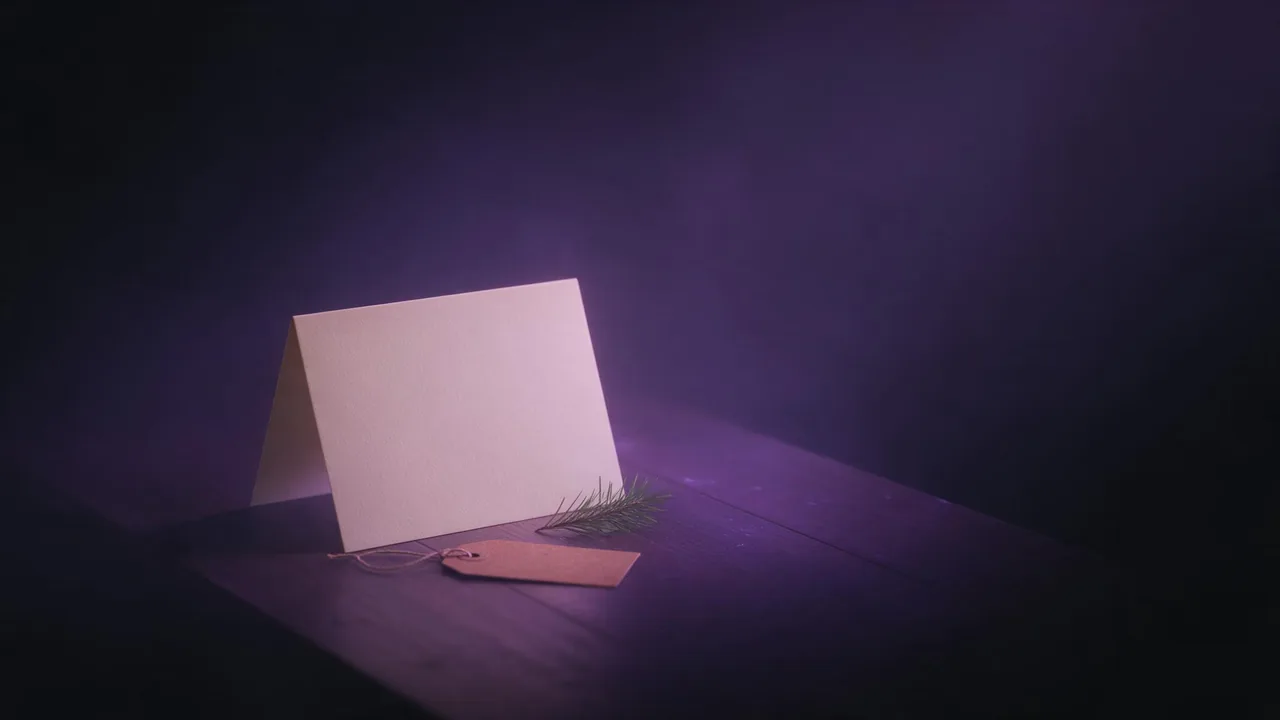
A bakery sends forty cards to its regular customers every December, ties a tag on every gift box that leaves the counter, and emails a greeting to the newsletter list. Three pieces, three sizes, and they should look like they come from the same place. Ordering a custom design for that is expensive; buying stock cards makes the bakery look like everyone else. A single piece of AI art, made once and reused carefully, sits between the two.
The plan in one line: the studio makes the artwork, you set the greeting and the company name, and each format gets its own file sized for where it ends up.
Decide the look before you open the studio
Write a short look note first, three lines at most. One motif that says something about the business (a loaf with a sprig of holly for the bakery, a pair of scissors and a ribbon for a hair salon, a lantern for a guest house). Two or three colour words. One medium, such as watercolour, linocut print or soft paper cut-out. The motif matters more than the snow: a card that shows your own trade gets kept on the shelf, a generic snowy village gets recycled. The colour palette guide has wording that keeps colours from drifting between renders.
A round loaf of bread with a sprig of holly on a wooden board, gentle snowfall, deep green, cranberry red and cream colour palette, linocut print style with visible paper texture, the lower third of the frame plain cream paper with no objectsRender four or five drafts on a quick, low-cost model in the studio, pick the one whose composition works, then render that prompt once on a higher-quality model. Every render shows its price on the Generate button before you press it. The space for text guide goes deeper on keeping the empty area empty.
The words: set them yourself, or check every letter
Most image models still misspell short phrases, and a company card is the worst place for it: a customer who sees their bakery's name spelled wrong on a greeting notices. The safe route is to keep words out of the prompt and set the greeting and the company name in your own layout tool on top of the empty area. You also get to choose the typeface, which keeps the card in line with your shop sign and receipts.
If you want the lettering painted into the art, use a model built for typography; the lettering model guide shows how to prompt one. Put the exact text in quotes, keep it short ("Happy Holidays" works better than a full sentence), and then read the result letter by letter at full size, out loud, against the spelling you typed. Double letters, apostrophes and accents are where it slips. Leave the company name and the year to your layout tool even then. If one word comes out wrong in an otherwise perfect render, change the text in the image instead of throwing the whole picture away.
One look, three files
The common card sizes, A6 and 5x7 inches, share almost the same tall shape, between 2:3 and 3:4. Render the card art at 2:3 or 3:4 and trim a sliver. Do not crop the same file for every piece: a tall card cropped into a wide email header loses the motif. Render the same prompt again at each ratio instead, moving the empty area in the wording if needed.
- The card. Portrait, 2:3 or 3:4, the motif in the upper two thirds, the greeting below.
- The gift tag. Tags are small and read at a glance, so the motif alone, larger, with little or no text: render at 2:3 or 1:1 and leave a calm area near the top where the hole is punched. Your name goes on in small type, or on a stamp.
- The digital version. 16:9 for an email header or a website banner, 1:1 or 4:5 for a social post. Screens are forgiving on pixels but crop the edges in previews, so keep the motif in the middle.
Make the print file right
- Pixels. Multiply the printed size in inches by the density your printer asks for, often 300 per inch for cards held in the hand. A 5x7 inch card at that density needs 1500 by 2100 pixels, before bleed. Still renders at up to 2K; other models list their sizes in their settings.
- Upscale only when short. If the render falls short, use an upscaler that keeps the original content. The upscaler guide explains why a creative one can add stray detail to a clean linocut.
- Bleed. Printers trim each card from a larger sheet and ask for art that runs past the trim line, commonly 3 millimetres per side. Extend the background into the bleed in your layout tool and keep the greeting and the name well inside the trim.
- Colour. Screen colour does not survive ink perfectly; bright reds and greens often print darker. Order one proof card before forty.
- Export. Your layout tool exports the file the printer wants, usually a PDF with the bleed included. The event poster guide walks through the same pass for a larger sheet.
What the studio will not do for a card
It returns image files, not a folded card layout, not a print PDF and not ink-colour files; the fold, the back of the card, the bleed and the export happen in your own design tool or at the print shop. It cannot set your company name reliably, and it cannot keep your logo exact, so place the logo file yourself rather than asking a model to draw it. Each render is priced on its own, so budget for a few drafts per format. For what you may do with the result commercially, read who owns AI-generated images.
Questions
Can I make business holiday cards with AI?
Yes, for the artwork. Generate the card art with an empty area for the greeting, set the greeting and the company name in a layout tool, add bleed and send the printer a proof first.
What resolution does a printed holiday card need?
Multiply the card size in inches by the density your printer asks for, often 300 per inch. A 5x7 inch card then needs 1500 by 2100 pixels, plus the bleed.
Can the AI write my company name on the card?
A model built for lettering can, but check every letter at full size. Setting the company name yourself in a layout tool is the safer choice for anything that gets printed.