Reference image strength: how much of your photo should an AI edit keep?
Image-to-image tools talk about strength: how much of your photo survives. Low, medium and high examples, what changes at each, and how to set it by wording.
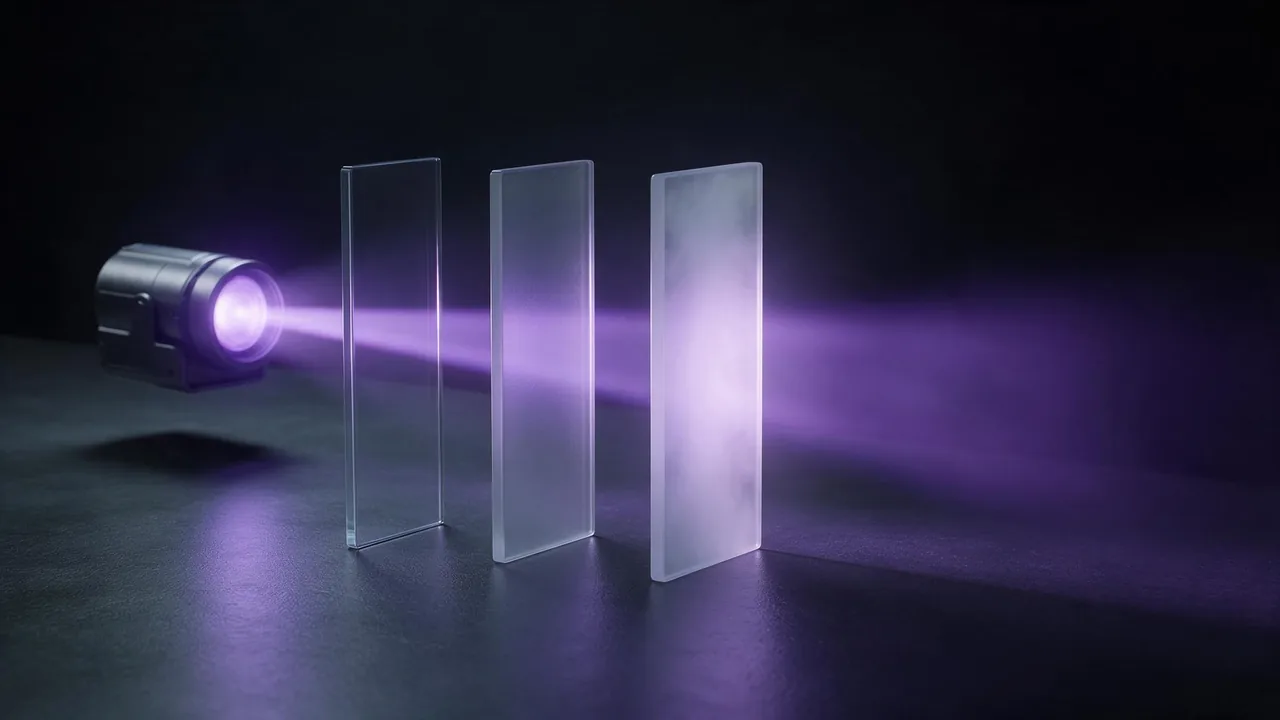
Search for image-to-image help and one word keeps coming up: strength, sometimes called reference strength or denoising strength. It answers a single question. When you hand the model your photo, how much of it should come back? Keep too much and nothing happens. Keep too little and you get a stranger in a similar pose.
Here is the part most guides skip. Many tools put this on a slider, and the direction of the slider differs from tool to tool: in some a higher number keeps more of your picture, in others a higher number throws more away. Most edit models in the studio have no such slider at all. You set the amount with words. That is less precise and more flexible, and this post is how to do it on purpose.
Think in three levels, not in numbers
A slider invites you to fiddle between fifty-five and sixty. The decision that matters is coarser. Ask what you want to survive, and pick the level that matches.
- High keep: the same picture with one thing changed. Face, pose, light, framing and background all stay. Use it for outfit swaps, a new colour, a removed object, a cleaned-up background.
- Medium keep: the same person and the same layout, in a different look. The identity and the composition stay; the style, the clothes and the setting can move. Use it for portraits in a new style, a season change, a costume.
- Low keep: your photo is only a starting hint. The model keeps a pose, a colour mood or a rough shape and invents the rest. Use it for concept art, a mood board, a character inspired by a picture.
High keep: lock everything, name the change
The prompt is mostly a list of what must not move, with one short line for what does. If you cannot say the change in one sentence, you are really at the medium level.
Change only the jacket to a dark green wool coat. Keep the face, hair, pose, lighting, background and framing exactly as in the photo.Medium keep: name the identity, free the look
List the features that make the person recognisable (eye shape, hairline, glasses, skin tone) and the layout you want held (head and shoulders, same angle). Then describe the new look freely.
Redraw this portrait as a soft watercolour with ink outlines. Keep the person recognisable: same eye shape, hairline, glasses and skin tone, same head-and-shoulders framing and angle. Muted autumn colours, plain cream paper background.Low keep: borrow one thing
Pick the single thing you want from the photo and say it is the only thing. Everything else is the model's to invent, so be generous with detail about the new scene.
Use the pose and the warm evening light of the reference photo only. Create a new character, a ship's navigator in a worn blue coat, standing on a rain-soaked deck at dusk, cinematic, painterly.How to move between the levels
Wording is your dial. These moves shift the result in a predictable way:
- Keep more: make the lock line longer and put it first. Name features one by one. Shorten the change to one sentence. Ask for "exactly as in the photo".
- Keep less: drop the lock line, describe the new scene in detail, and say what is borrowed ("use only the pose").
- Style words pull the dial down. A heavy style such as clay figure or oil painting wins over a face. Keep the style light or name the face harder when likeness matters.
- Start from the original every time. Editing the last result stacks drift on drift and quietly lowers the level with each round.
Models differ, and some have a real dial
Edit models do not hold a photo equally well. Some keep faces under heavy restyling, others drift at the first adjective. A few models on the models page expose a scale or strength setting in their advanced options, and where one exists, treat it as a rough dial and still write the lock line, because the two do different jobs: the setting says how much to rebuild, the words say which parts to protect. If one model keeps losing you at the wording that works elsewhere, try a neighbour before rewriting for the fifth time.
What it cannot do
Wording is a request, not a measurement. The same prompt will not keep exactly the same amount twice, and there is no way to say keep seventy percent. Fine details such as small text, jewellery, hands and fabric patterns are the first things to move even at high keep. If one region must stay pixel-perfect, edit with a model that accepts a mask, or finish the job in an ordinary photo editor after the model.
For the wording of the lock line itself, see how to write image edit prompts. Two worked examples sit at opposite ends of the scale: a caricature stretches a face and still needs it recognised, and a holiday portrait changes the scene and keeps the person. To hold a style across several images instead of one, use reference images for a consistent style. Use photos of yourself or of people who agreed; the terms forbid deepfakes and any sexual or intimate image of a real, identifiable person.
Questions
What does strength mean in image-to-image AI?
It is how much of your original photo the result keeps. Some tools use a number where higher means more change, others the reverse, so read the label before you trust the direction.
What strength should I use to keep my face?
Aim for the high or medium keep level: name your features in a lock line, keep the style light, and edit from the original photo. Expect to compare two or three runs.
Why does my edit barely change the photo?
The lock is too strong or the change is too vague. Describe the new look in detail, drop some of the keep line, and name the exact thing that should be different.
Is there a slider for it in the studio?
Most edit models have none, so you control it with the wording of your prompt. A few models show a scale or strength setting in their advanced options.