Silhouette and backlight words in AI image prompts
How backlit, rim light, contre-jour and silhouette change an AI image, how to keep the subject readable against a bright sky, and what the model gets wrong.
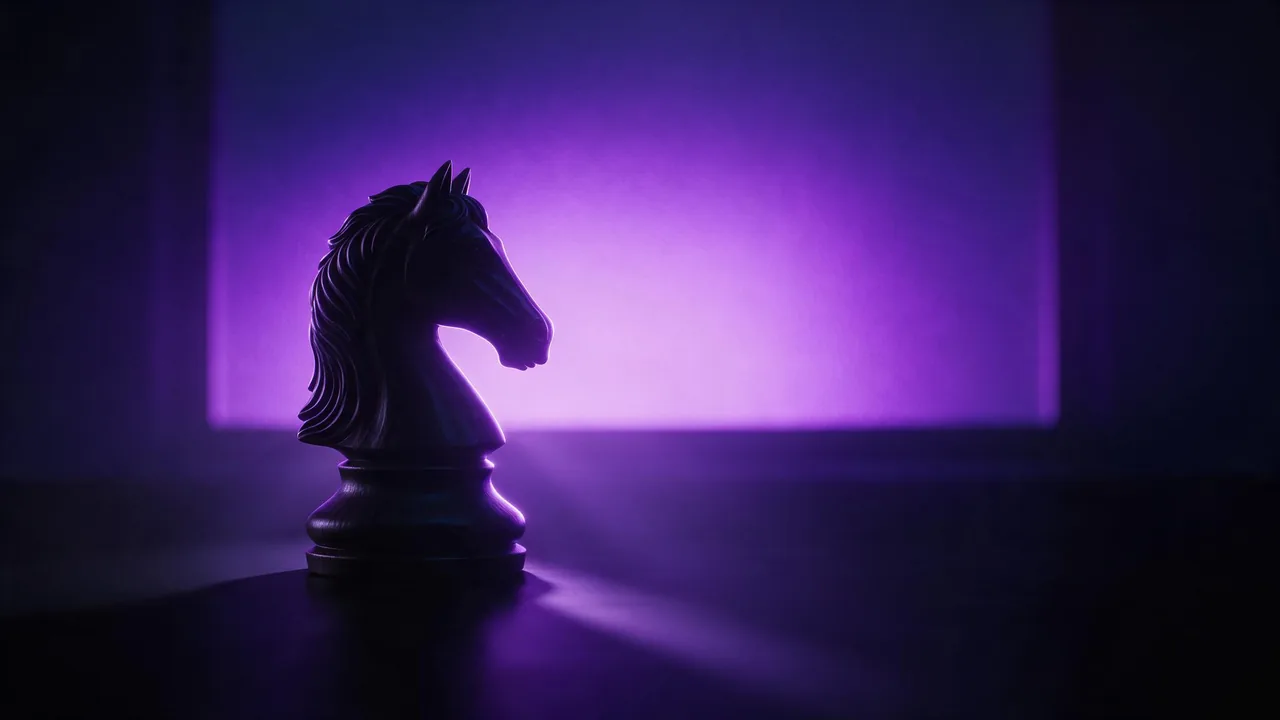
In a backlit picture the light sits behind the subject and faces the camera. Done well, it is the most dramatic light there is: a dancer cut out against a sunset, steam glowing over a cup by the window. Done badly, it is a dark blob on a white background. With a generator you do not move a light, you choose words, and each word below pushes the picture one way.
Four words, four different pictures
People use these as synonyms. The model does not, because its training photos were captioned differently.
- Silhouette - the subject is a flat dark shape with almost no detail inside it. Only the outline tells the story. Strong, graphic, and the hardest to get readable.
- Backlit - light comes from behind, but the subject still has some visible detail in the shadows. The softer, more photographic choice.
- Rim light - a thin bright edge traces the outline, usually against a dark background. The subject reads as a shape and a line at the same time.
- Contre-jour - shooting straight into the light. It tends to bring flare, haze and a glowing light source into the frame.
So the first decision is how much of the subject you want to see. Pick one word and say it once, near the start. Mix all four and the model usually picks the flat silhouette.
Say where the bright part is
A backlight needs something bright behind the subject, and the model needs to know what it is. "Against a bright sky" is vague. "Against a low orange sun", "in front of a tall frosted window", "against the open door of a lit barn at night" each give a different shape, colour and amount of haze. Name the light source as a thing in the scene.
Silhouette of a lone cyclist on a hilltop against a huge low orange sun, sky fading from orange to deep blue, dust in the air catching the light, wide shot, clean empty foregroundKeep the subject readable
A silhouette only works when the outline alone says what it is. A person in profile, a cat with its tail up, a tree on a ridge: all read instantly. A person facing the camera with arms down reads as a post. Before you write the light words, picture the shape filled with black.
- Choose a side view or a three-quarter view. "In profile" is one of the most useful words in this whole topic.
- Separate the parts. "Arms raised", "legs mid-stride", "holding a kite string" open gaps in the shape so the outline has something to say.
- Keep the outline off other dark things. A subject overlapping a dark hill becomes part of the hill. "Open sky all around" fixes it.
- Ask for a little fill when you want detail. "Soft fill light on the face" or "faint detail in the shadows" keeps a face from disappearing.
Backlit portrait of a woman in profile by a tall window, warm rim light along her hair and shoulder, soft fill light on her face, dust in the air, dark room, calm moodWhat the model tends to get wrong
Here the model guesses physics, and it guesses wrong in repeatable ways. A silhouette quietly gains a lit face, because faces in its training photos are usually lit. The rim light wraps all the way around like a neon tube, even on the side away from the sun. The sun sits in one place while the shadows point toward it. And fine edges such as hair, fingers or grass blur into a soft dark mess.
Plainer wording fixes most of it: "fully dark silhouette, no light on the face", "rim light on the left edge only", "shadows falling toward the camera". Keep the outline simple: short hair over loose strands, a closed hand over spread fingers. If the lit face keeps coming back, a re-roll with a new seed often lands on the darker version.
Colour and exposure words
Backlight pictures are mostly two colours: the bright one behind and the dark one in front. Name both, as in "deep blue silhouette against a pale gold sky". "Lens flare" and "glowing haze" push toward contre-jour; "high contrast" gives a graphic poster look; "soft and hazy, low contrast" gives the gentle morning version. The colour palette guide keeps those colours steady across a set.
The honest limit
There is no light to place. The studio has no lighting controls, no sun position and no exposure slider; every effect here is a request in words, and the model decides how literally to take it. Two runs of one prompt can give a clean silhouette and a half-lit figure. A rim on precisely one shoulder may take several tries or never come, and each try is a full render with its own price. To change the light on a picture you already like, use an image-to-image model and a short instruction, as in the edit prompt guide.
For the wider set of light words, see cinematic lighting prompts. To compare the four backlight words, open the studio, keep one subject and change only the light word, with a still model from the models page. A still from Still starts at €0.40.
Questions
What is the difference between backlit and silhouette in a prompt?
Silhouette asks for a flat dark shape with no inner detail. Backlit keeps the light behind the subject but allows some detail in the shadows, so faces and clothing stay partly visible.
Why does my silhouette still have a lit face?
Most training photos show lit faces, so the model drifts toward one. Say "fully dark silhouette, no light on the face", use a profile view, and re-roll if it persists.
Can I set the exact direction of the light?
Not as a control. Describe where the light source is in the scene and which edge the rim falls on; the model follows that most of the time, but not every time.