Long exposure and motion blur words in AI image prompts
Light trails, silky water, panning blur and frozen action: which motion words an image model renders well, which turn to mush, and how to tell it what moves.
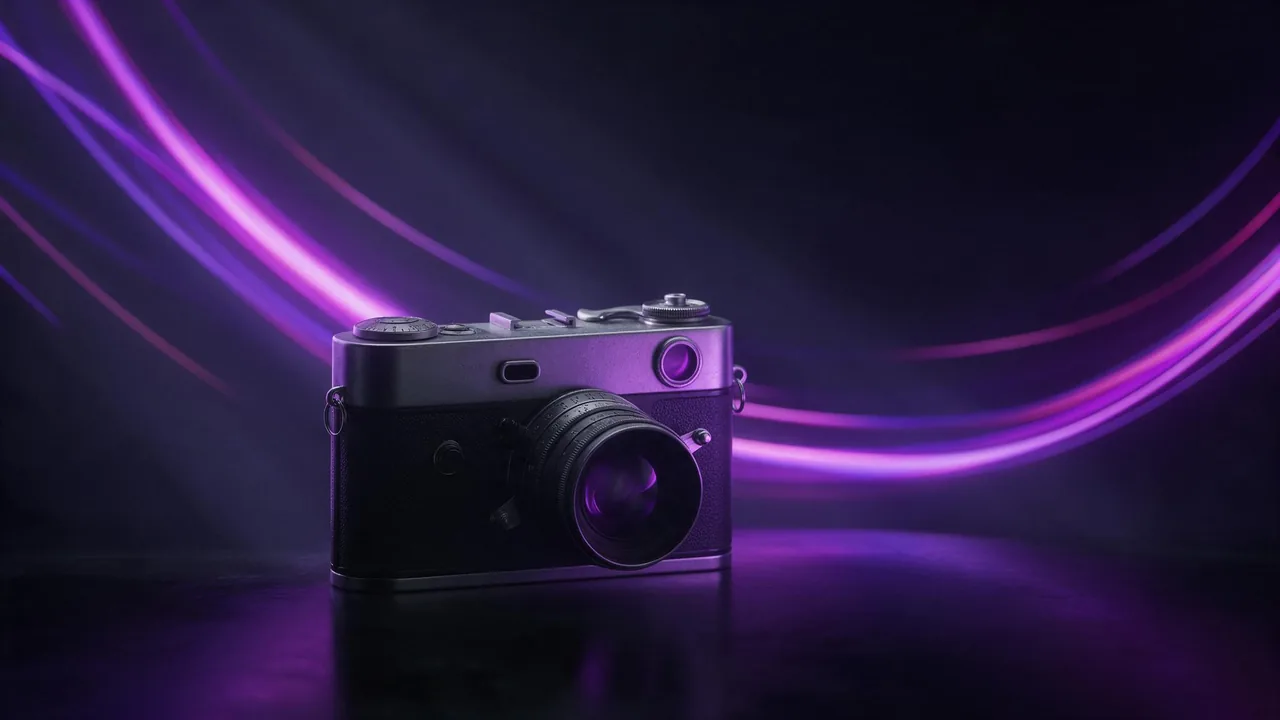
A generated still has no shutter. Nothing was open for a long time, nothing moved while it was taken. Yet motion words work, sometimes beautifully, because the model has seen thousands of photos where time left a mark: car lights stretched into lines, a waterfall turned to mist, a cyclist sharp against a smeared street. It copies the look of those photos without simulating the physics, which is why some motion words are safe bets and others turn the picture into mush.
Start with what moves and what stays still
Every motion photo is a split: one part is sharp, another part is streaked. A night road has a sharp bridge and blurred headlights. A river shot has sharp rocks and soft water. When a prompt only says "motion blur", the model has to guess where the split falls, and it often blurs the thing you cared about. Write the split as two plain halves of one sentence: what is sharp, then what is streaked.
Long exposure photo of a city bridge at night, the bridge and street lamps perfectly sharp, car headlights and tail lights stretched into smooth red and white light trails along the road, tripod shot, deep blue skySafe bets: light trails and silky water
These two render well because the photos behind them are so consistent: light trails are night shots from a fixed camera over a road or a fairground, silky water is a waterfall or a rocky shore at dusk. Ask for the familiar version and the model has a clear picture to draw from.
- Light trails - name the source: headlights, a Ferris wheel, a sparkler, a train passing a platform. Lines with a source behave; lines from nowhere drift into abstract neon.
- Silky water or smooth misty water - works for waterfalls, waves on rocks and rivers. Pair it with something hard and still: rocks, a wooden pier, a lighthouse.
- Streaking clouds - clouds drawn into long soft bands across the sky. Best with a plain, strong foreground shape.
Long exposure seascape at dusk, waves around dark jagged rocks turned into smooth white mist, a weathered wooden pier stretching into the sea, the pier and rocks sharp, soft pastel sky with streaking cloudsRiskier: panning blur and a moving subject
Panning is the reverse split. The camera follows the subject, so the subject is sharp and the background smears sideways. The model knows the look from sports and street photos, but it tends to blur the subject too, or to smear the background in the wrong direction. Three things help:
- Say the camera move: panning shot, tracking the rider, camera following the car.
- Say what is sharp, in so many words: the cyclist sharp and in focus.
- Give the background a direction: background streaked horizontally, street blurred into horizontal lines.
Panning shot of a cyclist racing along a city street, the cyclist and bicycle sharp and in focus, shop fronts and parked cars streaked into horizontal lines of colour behind, late afternoon lightFrozen motion is a different request
The opposite of blur is not "no blur". It is a frozen moment: a splash with every droplet hanging in the air, a dancer at the top of a jump, hair flung out mid-turn. Words for that are fast shutter, frozen in mid-air, high-speed photo, crisp droplets. Do not put frozen and blur words on the same subject. A splash cannot be both silky and crisp, and the model splits the difference into something grey and smudged.
What turns to mush
- Blurred people in a crowd. Long exposure ghosts look great in real photos; here they come out as melted bodies with extra limbs. Ask for fewer, farther figures, or none.
- Blurred hands and faces. A hand "in motion" usually grows fingers. Keep hands and faces out of the blur.
- Motion blur on the whole frame. "Motion blur" alone often softens everything, the subject included, and the image just looks out of focus.
- Zoom burst. Streaks rushing toward the centre can tear straight edges; test it before you build a set on it.
- Speed lines. Without context the model may draw comic-style lines. Say "photographic" if you want the camera look.
When a picture has gone soft, the fix is usually to take words out. Remove "motion blur", keep the named effect ("light trails", "silky water"), and repeat what must be sharp. A negative prompt such as "blurry subject, out of focus" helps on the models that accept one. A new seed is often cheaper than more words.
The honest limit
There is no shutter speed setting in the studio and no exposure time to type in. Every effect here is a description, and the model decides how literally to take it: two runs of the same prompt can give clean trails and a muddy smear. Fine control, such as the exact length of a streak or blur on one wheel only, may take several tries or never come, and each try is a full render with its own price.
If you want real movement rather than its trace, that is a video job: animate a still with the ideas in image-to-video motion prompts. Night light trails pair well with the light words in cinematic lighting prompts. To try the three modes side by side, open the studio, keep one subject and change only the motion words, using a still model from the models page. A still from Still starts at €0.40.
Questions
Does writing a shutter speed in the prompt change anything?
Only as a style hint. The model has no shutter; a number may nudge it toward photos captioned that way, but plain words like "long exposure" or "frozen in mid-air" are more reliable.
Why is my whole image blurry when I only wanted the background blurred?
"Motion blur" on its own tends to soften everything. Name what is sharp, say the camera is panning or on a tripod, and give the blur a direction.
Which motion effects work most reliably?
Light trails from a named source at night and silky water against sharp rocks. Blurred crowds, hands and faces are the least reliable.