P Video 2 Pro Reference-to-Video: pack a kit, get a scene
P Video 2 Pro builds a video from your pictures, clips and sounds. How to pack the reference kit, write the prompt and keep your own soundtrack.
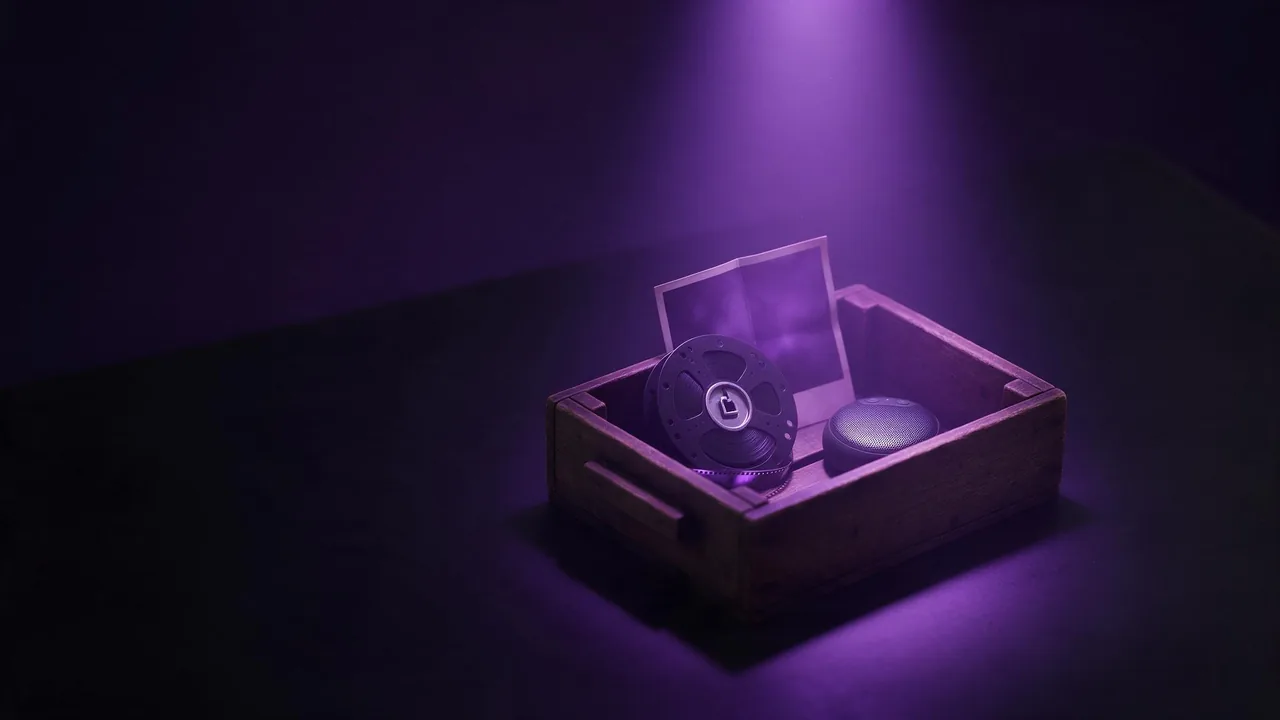
Think of P Video 2 Pro Reference-to-Video as a box you fill before you press the button. Into the box go up to nine pictures, up to three short video clips and up to three audio clips, and on top of it all a prompt that says what to do with them. What comes out is one clip of 5 to 15 seconds, at 480p or 768p. The more carefully you pack the box, the less the model has to invent.
What belongs in the kit
- Pictures (up to nine): the character, the product, the place. One clear photo of each thing you want to keep beats three blurry ones of the same thing.
- Opening and ending frames: two separate slots, if you know exactly how the clip should start or finish. Leave them empty when you would rather let the model choose.
- Video clips (up to three, 15 seconds in total): for a movement or a camera style you want copied. They sit under the advanced settings.
- Audio clips (up to three, 15 seconds in total): a voice, a jingle, a sound you want the scene to follow.
You do not need all of it. A prompt alone works, and a prompt plus two pictures is the most common kit. Add a clip only when words fail to describe the motion.
Name the references in the prompt
The prompt is required, and its job is to say how the pieces fit together. The model reads it next to your uploads, so refer to them plainly: the woman in the first picture, the red bicycle, the street from the third photo. Then describe one continuous action and how the camera behaves.
The woman from the first picture, in the same olive coat, walks along the rainy street from the third picture, pushing the red bicycle from the second picture. The camera tracks beside her at walking pace. Warm shop lights reflect in the puddles. She stops, looks up at the sky and smiles.Keep the bottle from the first picture exactly as it is: label, cap, colour. It stands on the wet stone from the second picture while slow waves wash around it at sunset. The camera circles halfway around the bottle and stops on the label.A cartoon fox from the first picture dances to the music from the audio clip, in the style of the reference video: quick steps, bouncy head, simple flat background.Settings worth a second look
- Aspect ratio: seven shapes from 16:9 to 9:16, or leave it empty and the clip adapts to your references. Empty is a good default when all your pictures share a shape.
- Resolution: 768p by default, 480p for drafts.
- Mode: speed by default, or cost, if you can wait and would rather pay less.
- Prompt upsampler: off by default; turbo or max rewrite a short prompt into a longer one. Useful when you have a kit but only one line of text.
- Keep audio: uses your clip as the soundtrack. It needs exactly one audio file, not two or three.
- Seed: fix it when you like a result and want to change one word without changing everything else. The seed explainer shows why.
When a lighter model is enough
If all you have is one photo that should start to move, the reference kit is more than you need: P Video 2 Pro Image-to-Video does that with less setup, and the photo to video walkthrough covers the basics. If you want a picture to copy the exact moves of a dancer, the P Video Animate guide is closer to the job.
The honest limits
Many references are not a guarantee of likeness. Faces seen at a small size, hands and printed text still drift, and two characters from two pictures can trade details if the prompt is vague about who is who. Clips longer than the 15 second budget will not fit, so trim them first. And 768p is the ceiling here: for a big screen final, look at the other video models on the models page. For keeping one look across many scenes, the reference images guide has more tricks.
Questions
How many references can P Video 2 Pro take?
Up to nine pictures, including the opening and ending frames, plus up to three video clips and up to three audio clips of 15 seconds in total each.
Can I use my own music as the soundtrack?
Yes. Upload exactly one audio clip and switch on keep audio; the clip then plays your file instead of new sound.
How long and how sharp is the clip?
From 5 to 15 seconds in whole seconds, with 5 as the default, at 480p or 768p.