Halloween costume photos of your pet, made from its own photo
Dress your dog or cat as a witch, a pumpkin or a tiny vampire without a real costume. How to keep the markings, pick a scene and spot a stranger's pet.
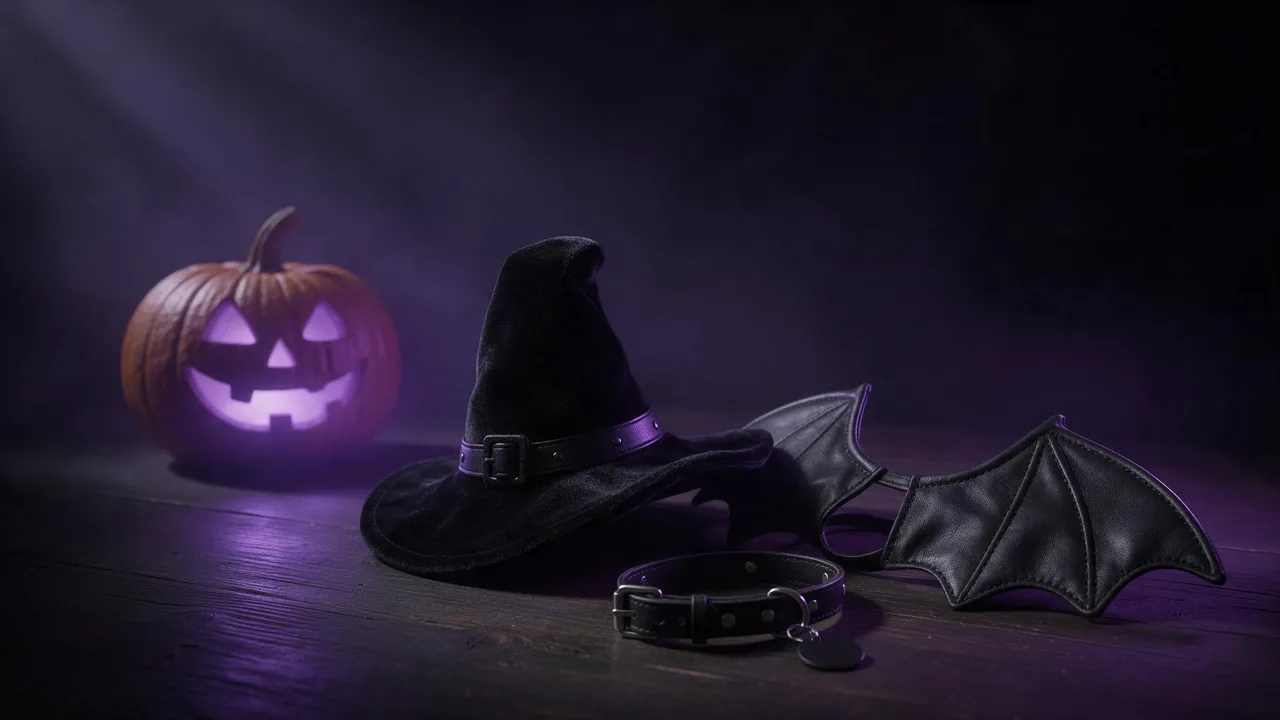
Anyone who has tried to put a witch hat on a cat knows how that photo shoot ends. The hat lasts about as long as it takes to find the camera, and the picture you get is mostly a blur and a look of betrayal. An edit model lets you skip the struggle: you give it a calm photo of your pet on the sofa, and it hands back the same animal dressed as a pumpkin, a vampire or a tiny wizard in a candlelit hall. The hard part is not the costume. It is making sure the animal in the result is still yours and not a generic cat of the same colour.
Why pets drift more than people
A face edit has a lot to hold on to: eyes, nose, the shape of a smile. A pet has fur, and to a model most fur looks alike. A tabby becomes another tabby, the white sock on one paw moves to the other paw, the ear with the notch grows back. Your eye catches these changes at once because you know the animal; the model only sees a striped cat. So the whole method below is about telling the model which details make this animal itself, before it starts painting anything spooky.
The photo you start from
Pick a shot where the pet is big in the frame, sharp, and in soft daylight. Eye level beats a photo taken from above, because a costume sits on the head and shoulders and the model needs to see them. Avoid the classic phone picture of a dark dog on a dark rug at night: black fur with no light on it has no texture left to keep, and the result will invent one. If the animal is mid-yawn or half hidden behind a cushion, keep looking through your camera roll. A boring, well lit portrait is the best raw material here.
Have a second photo that shows the markings from another side? Keep it. Some edit models accept several pictures at once: Krea V3 Edit, for example, lets you refer to each picture by number, so the second photo can serve as a reminder of the patch on the back or the colour of the tail tip.
Describe the animal, then the costume
Open the studio, choose an image-to-image model from the models page, attach the photo with + Image, and write the instruction in two parts. First, a short description of your pet as if you were reporting it lost: breed or type, coat colour and pattern, eye colour, and anything unusual. Then the costume and the scene. "Keep my dog the same" is too vague; "keep the dog's brown and white coat, the white blaze on the nose and the one floppy ear" gives the model something to check against.
Keep this cat exactly as in the photo: grey tabby coat, white chest and white front paws, green eyes, the small notch in the left ear. Dress the cat in a little black witch hat and a purple cape. Place it on an old wooden table with carved pumpkins and candles, dark room, warm candlelight from the side.Keep the dog's face, coat colour, markings and ear shape unchanged. Turn the dog into a pumpkin: an orange knitted pumpkin costume around the body with a green stem hat. Background: a porch at dusk with fallen leaves and glowing lanterns. Same pose and head angle as the photo.Keep the rabbit's white and black patches exactly where they are and its eye colour. Add a tiny vampire cape with a red collar. A misty graveyard at night, soft violet moonlight, friendly rather than scary.Scenes that work, and one that rarely does
- The cosy table set: pumpkins, candles, a few autumn leaves. Simple, warm, and the pet stays the subject.
- The haunted portrait: an old oil painting look, a velvet chair, a dark frame. It suits cats and serious dogs, and the painted style forgives small differences in fur.
- The porch or front door: trick-or-treat lanterns and a doormat. Works well for dogs photographed standing.
- The group costume: two pets from two different photos in one matching scene. Possible with a multi-image model, but every extra animal is another set of markings that can swap. Try each pet alone first.
Keep the aspect ratio of your original photo when the model offers the choice. Turning a tall phone portrait into a wide banner makes the model rebuild the whole pose, and a rebuilt pose is where the animal quietly changes. The edit prompt guide has more on lock wording, and the holiday portrait post covers the same idea for people.
The stranger test
Before you post the picture, put it next to the original and check it the way a neighbour who knows your pet would. Are the markings on the same side? Is the eye colour right, or has the candlelight turned blue eyes amber? Did the nose leather change colour, the whiskers vanish, the tail gain a stripe? Did the cat suddenly grow an extra toe under the cape? If the scene is right and one detail is off, run the same prompt again. If the same detail slips every time, name it more precisely in the first part of the prompt. Always edit from the original photo, not from the last result, because each round repaints the fur again and the changes add up. The post on cost per usable picture helps you plan how many tries to allow.
Got a keeper? A still can become a short clip, a cat blinking under its hat or a dog wagging in its pumpkin suit; turning a photo into a video explains how. Keep the motion small, since big movement gives the model more chances to redraw the animal.
What to expect, honestly
No edit model here promises an identical animal. Each one repaints the picture and tries to keep what you named, so a perfect copy of every whisker is not on the menu, and a pet with very plain fur, such as an all black cat, has the fewest details to hold and often comes back looking like a different black cat. There is no brush to protect the animal's head; the words in your prompt are the only guard. Paws and tails near the costume are the usual weak spots. And the result is a costume your pet never wore in a room it never sat in: a lovely card or profile picture, but use your own pet's photos, or ask the owner first if the animal is not yours.
Questions
How do I keep my pet looking like itself in an AI Halloween edit?
Use an image-to-image edit model, start the prompt with the pet's coat colour, markings and eye colour, keep the photo's aspect ratio, and ask for a costume that sits on top rather than a full suit.
Why did my black cat turn into a different cat?
Plain dark fur has little texture for the model to keep. Use a photo in good light, mention any white hairs or the eye colour, and expect a few retries.
Can I put two pets in one Halloween picture?
Yes, with a model that takes several images, but each animal is another set of markings that can drift. Get each pet right alone before you combine them.