Veo3.1 Fast Reference-to-Video
Google Veo 3.1 Fast Reference-to-Video generates 8-second videos from up to three reference images using the official Veo predictLongRunning endpoint with referenceImages assets.
Examples
Use the first image as the main subject reference and the second image as the outfit reference. Preserve the same male model, pose, body proportions, camera angle, studio background, and lighting from the first image. Replace his current black leather outfit with the clothing from the second image: a clean white T-shirt, navy blue shorts, white sneakers, and a beige straw hat. Make the outfit fit naturally on his body while keeping the dynamic fashion pose. Maintain realistic fabric texture, natural folds, accurate shadows, and commercial fashion photography quality. The final image should loo
Try this prompt →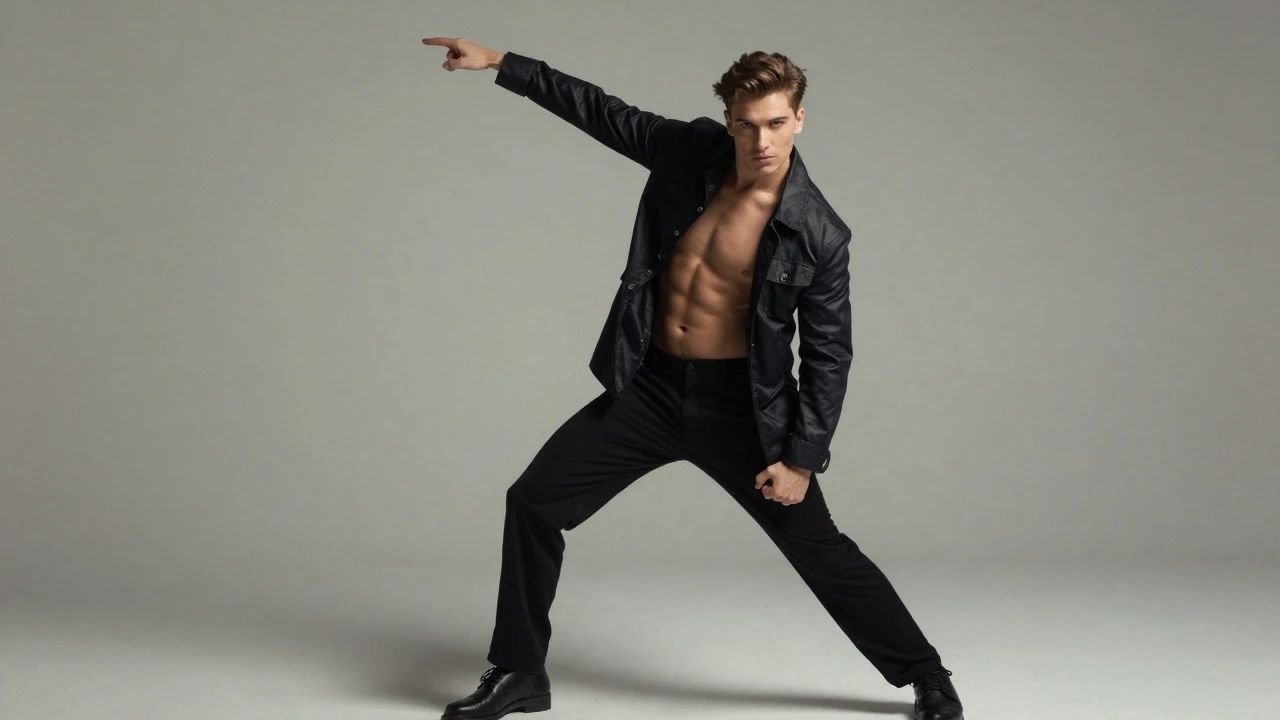
Use the first image as the main subject reference and the second image as the outfit reference. Preserve the same male model, pose, body proportions, camera angle, studio background, and lighting from the first image. Replace his current black leather outfit with the clothing from the second image: a clean white T-shirt, navy blue shorts, white sneakers, and a beige straw hat. Make the outfit fit naturally on his body while keeping the dynamic fashion pose. Maintain realistic fabric texture, natural folds, accurate shadows, and commercial fashion photography quality. The final image should loo
Try this prompt →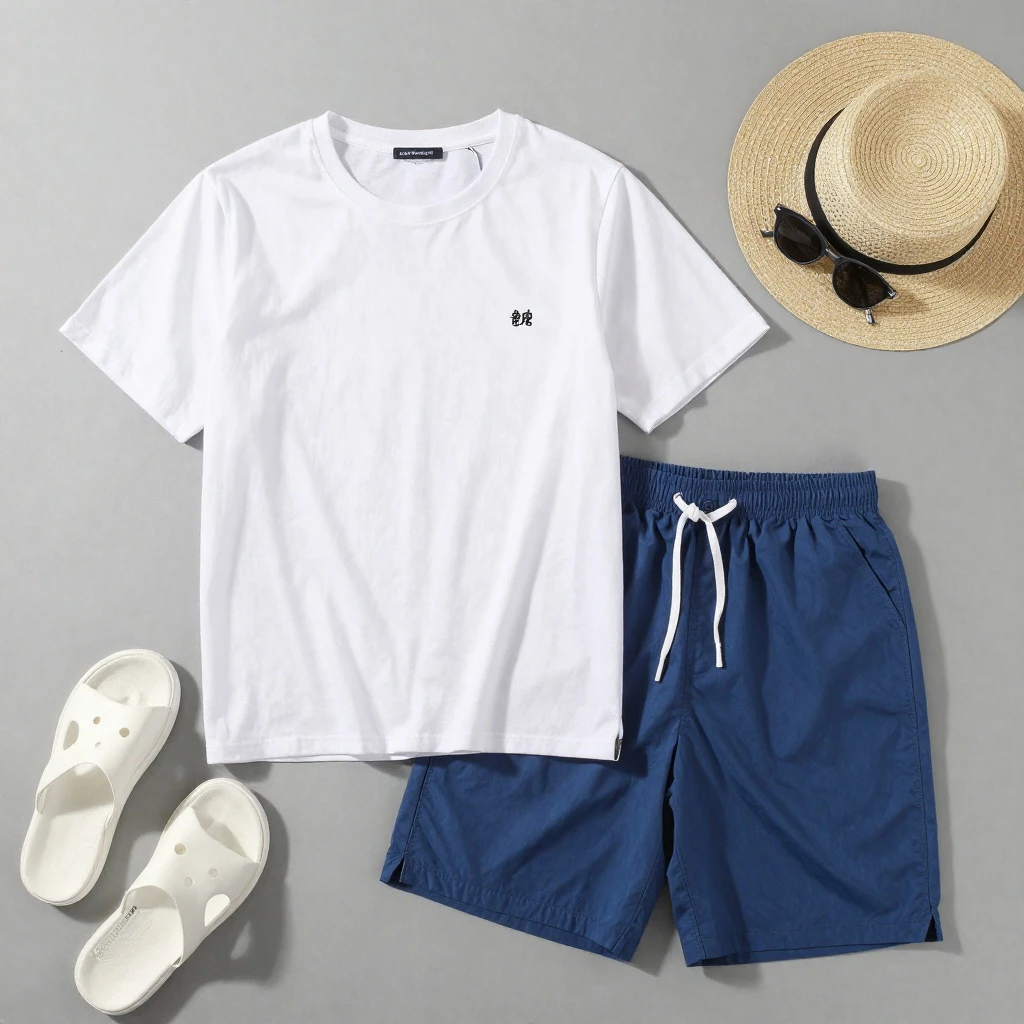
Use the first image as the main subject reference and the second image as the outfit reference. Preserve the same male model, pose, body proportions, camera angle, studio background, and lighting from the first image. Replace his current black leather outfit with the clothing from the second image: a clean white T-shirt, navy blue shorts, white sneakers, and a beige straw hat. Make the outfit fit naturally on his body while keeping the dynamic fashion pose. Maintain realistic fabric texture, natural folds, accurate shadows, and commercial fashion photography quality. The final image should loo
Try this prompt →Specs
Similar models
Prices are per render and charged from your balance only when a render succeeds. Failed renders are refunded automatically. Examples show what the model can do; your result depends on your prompt and settings.